TR EN AR
CyLook Logo

Enterprise Cybersecurity Platform

Active Directory, Entra ID, Exchange Online, Tenant Management, File Server, Endpoint Security, CIS Benchmark, SSL Certificate Monitoring and Network Discovery — all in one platform, with real-time visibility.

CyLook Enterprise is a Security Visibility & Risk Intelligence platform that analyzes data from your existing IT and security infrastructure — Firewall, EDR, Active Directory, Microsoft Entra ID, Microsoft 365 and file servers — to make cybersecurity risks visible, measurable and manageable from a single security cockpit. It does not replace your existing SIEM, Firewall or EDR investment; it adds a visibility and risk-analysis layer on top of it.
Active Directory Entra ID (Azure AD) Exchange Online Tenant Management File Server CIS Benchmark Endpoint Security SSL Monitor Network Discovery Remote Tools

Where Do Security Vulnerabilities Begin?

The majority of organizations already harbor unknown security vulnerabilities before a cyberattack occurs. The fundamental problem is a lack of visibility.

Password Management Issues

Passwords that never expire, accounts with empty passwords and credentials older than 365 days remain blind spots.

Over-Privileged Accounts

Unnecessary members in Domain Admin, Enterprise Admin and Schema Admin groups expand the attack surface.

File Server Permission Chaos

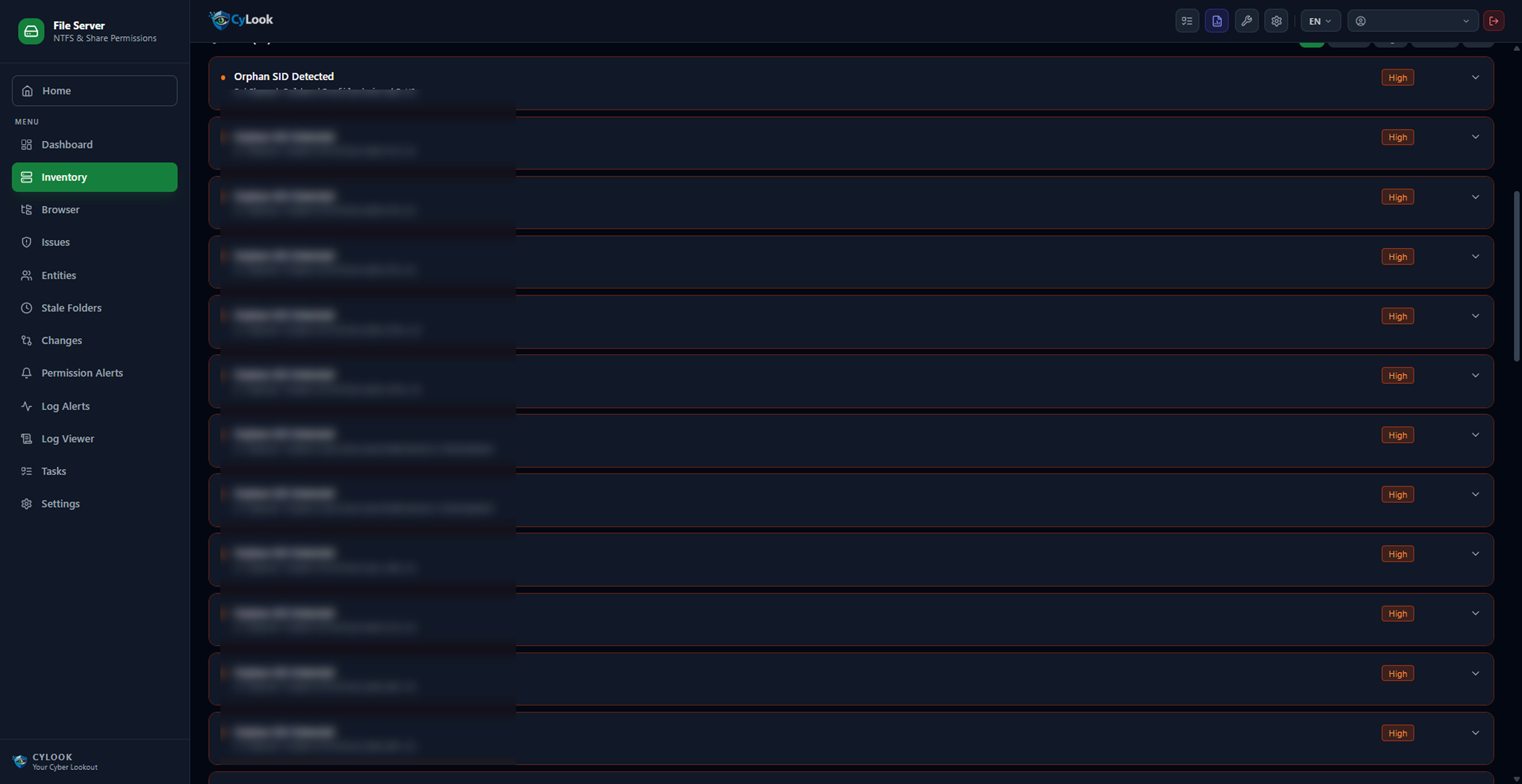
Orphan SIDs, stale shares and uncontrolled full-access permissions across hundreds of thousands of folders.

Unpatched Software

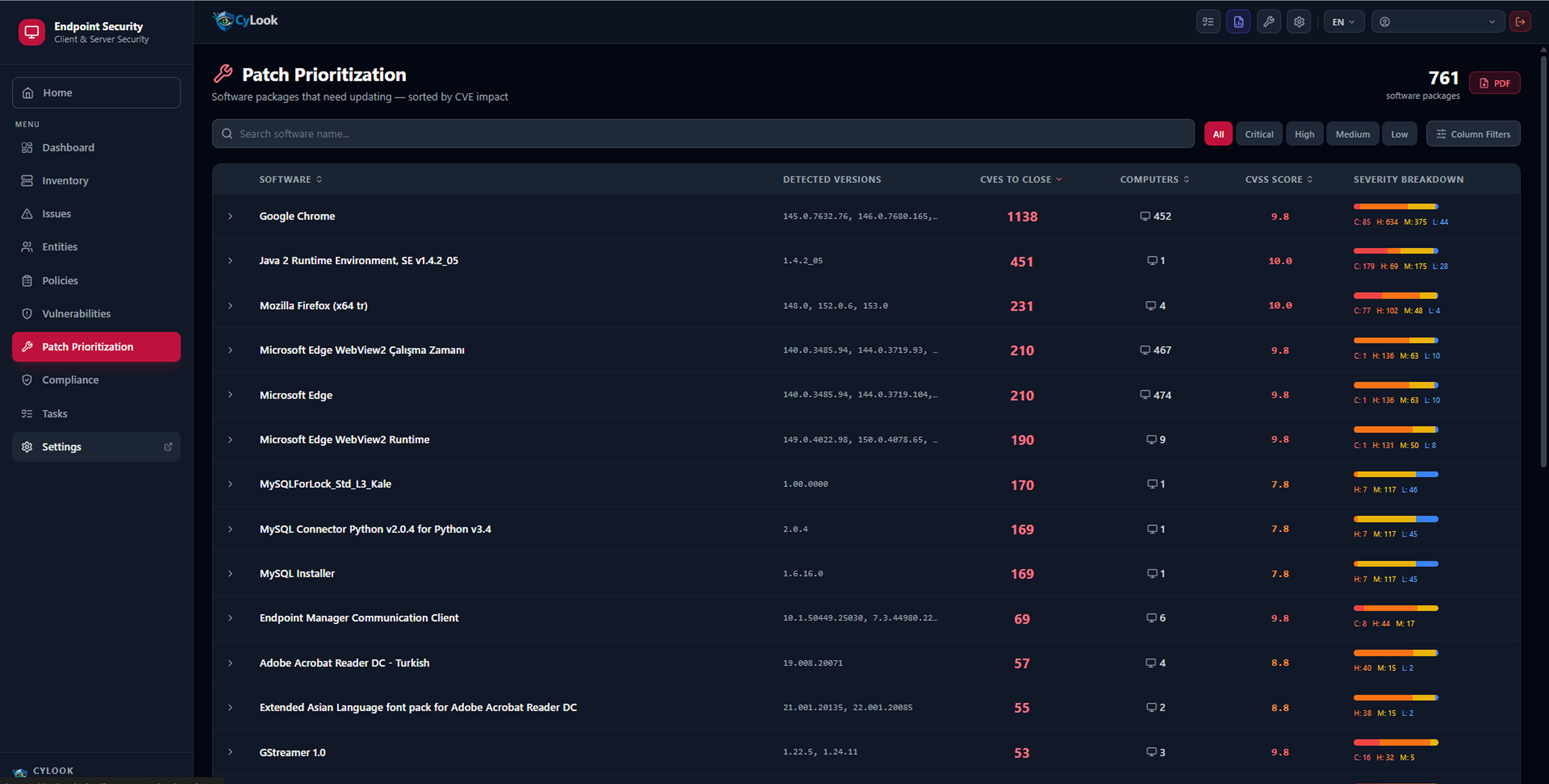
Critical CVEs lurking on hundreds of computers with no way to prioritize remediation efforts.

Expired SSL Certificates

No visibility into which server's certificate expires when; service outages cannot be prevented in advance.

Lack of Network Visibility

Unmanaged devices, open dangerous ports and newly joined assets go unnoticed.

Your Entire Security Environment in One View

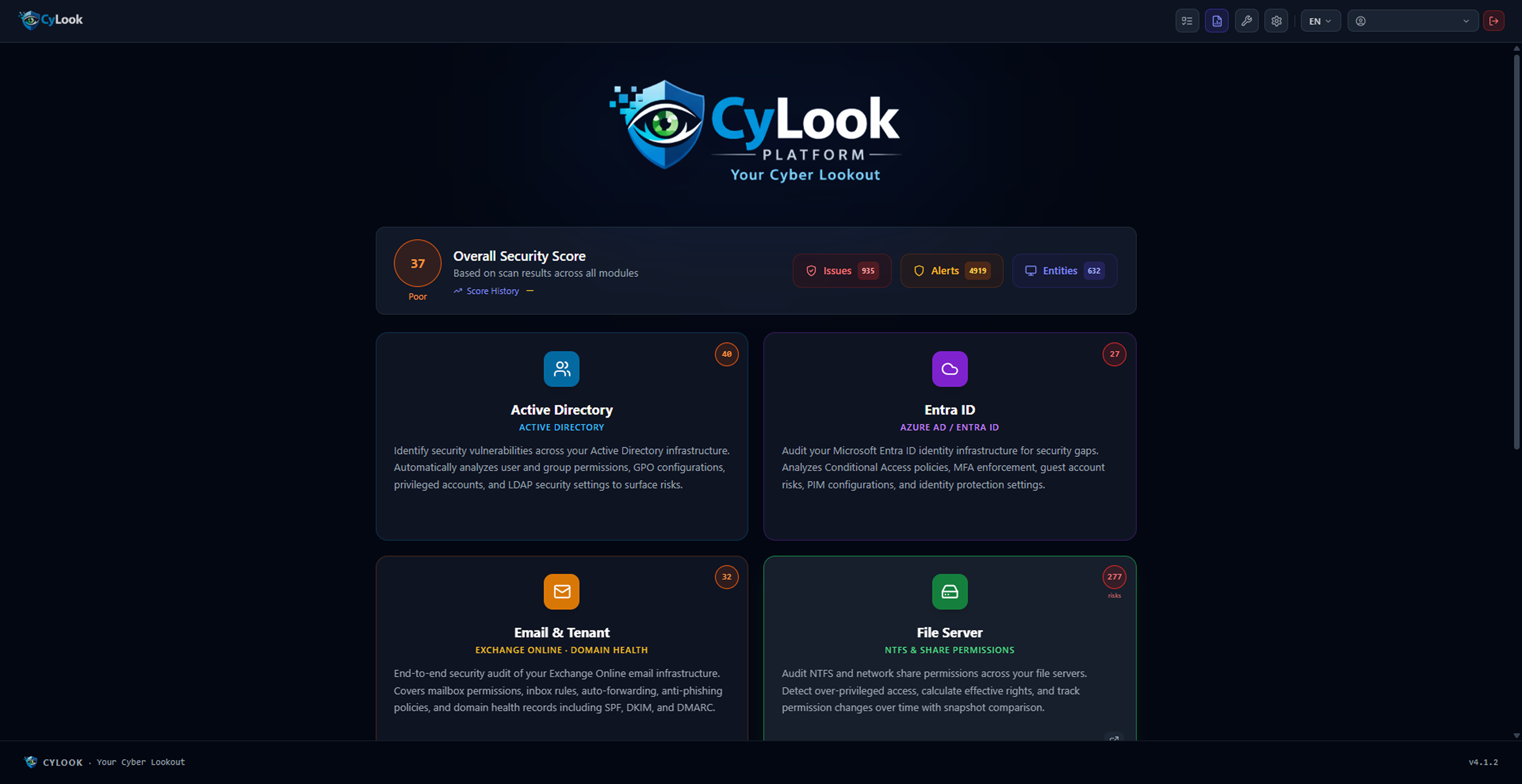
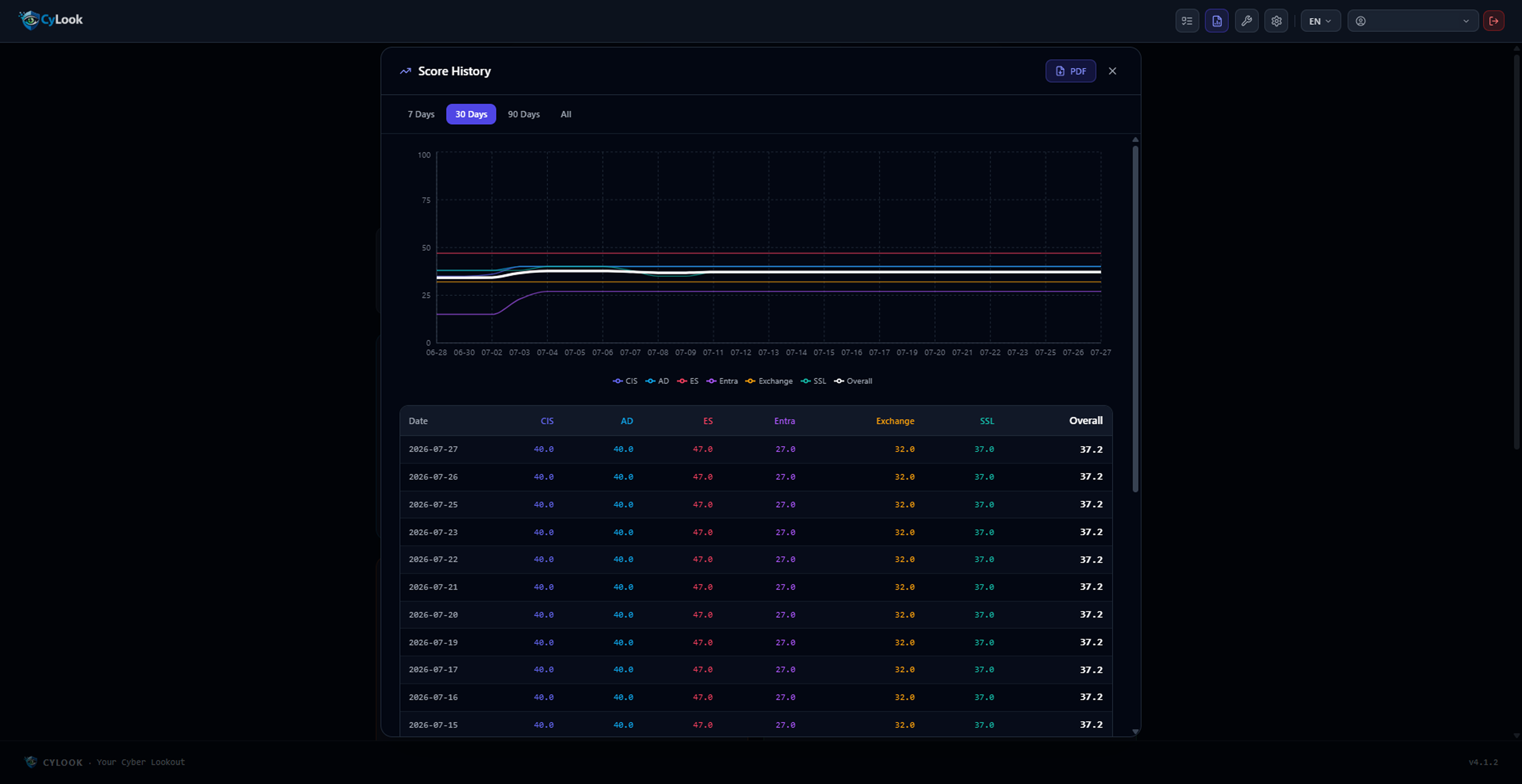
CyLook's main dashboard presents all modules, the overall security score and 30-day per-module trend charts in one place.

Main Dashboard
Main Dashboard — Active modules and overall security score

Overview Dashboard

When you log in to the platform, you see the status of all modules, active alert counts and the overall security score at a glance.

Each module card is clickable; reach the relevant module with a single click.

Active Directory Entra ID Exchange File Server CIS Benchmark Endpoint Security

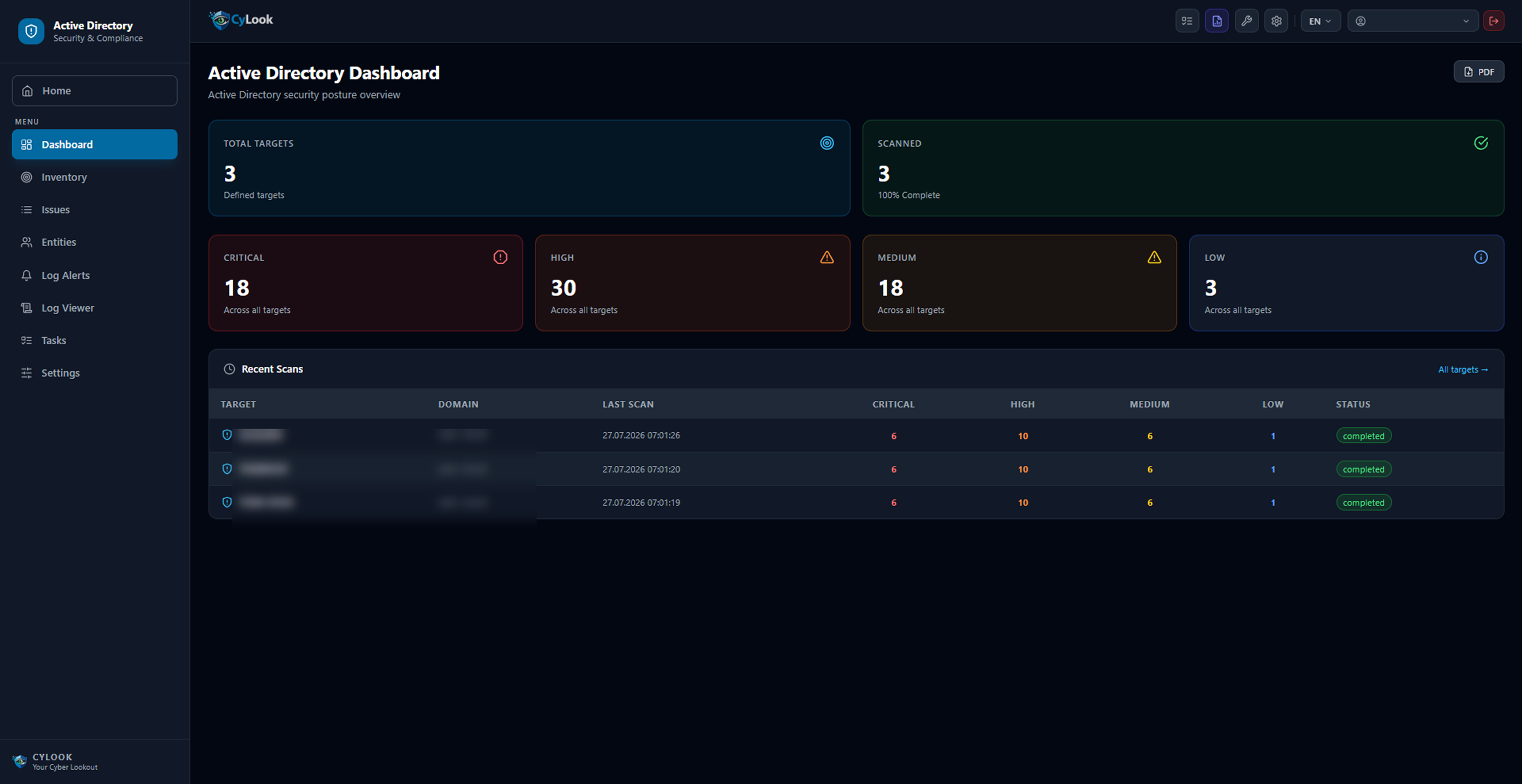
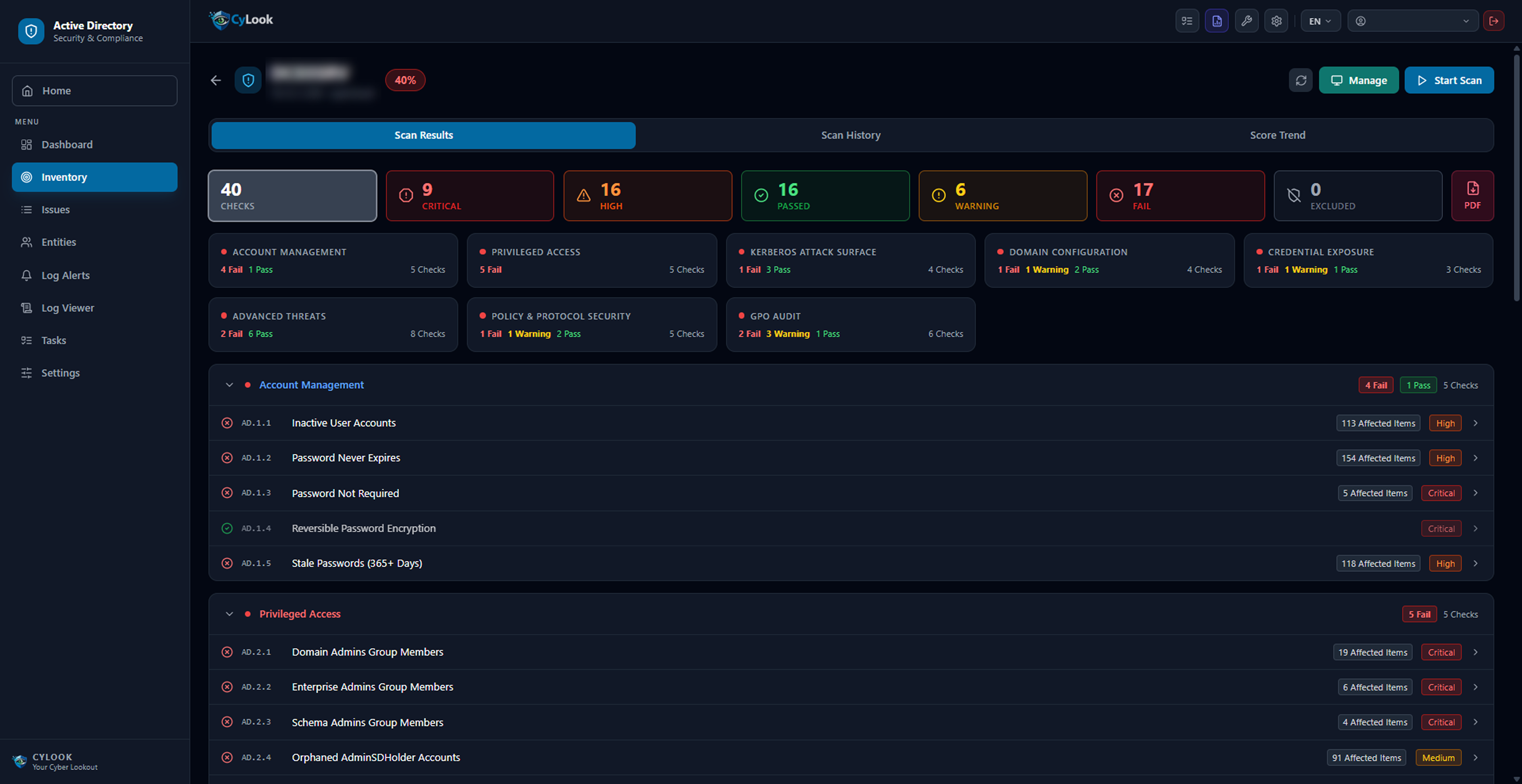
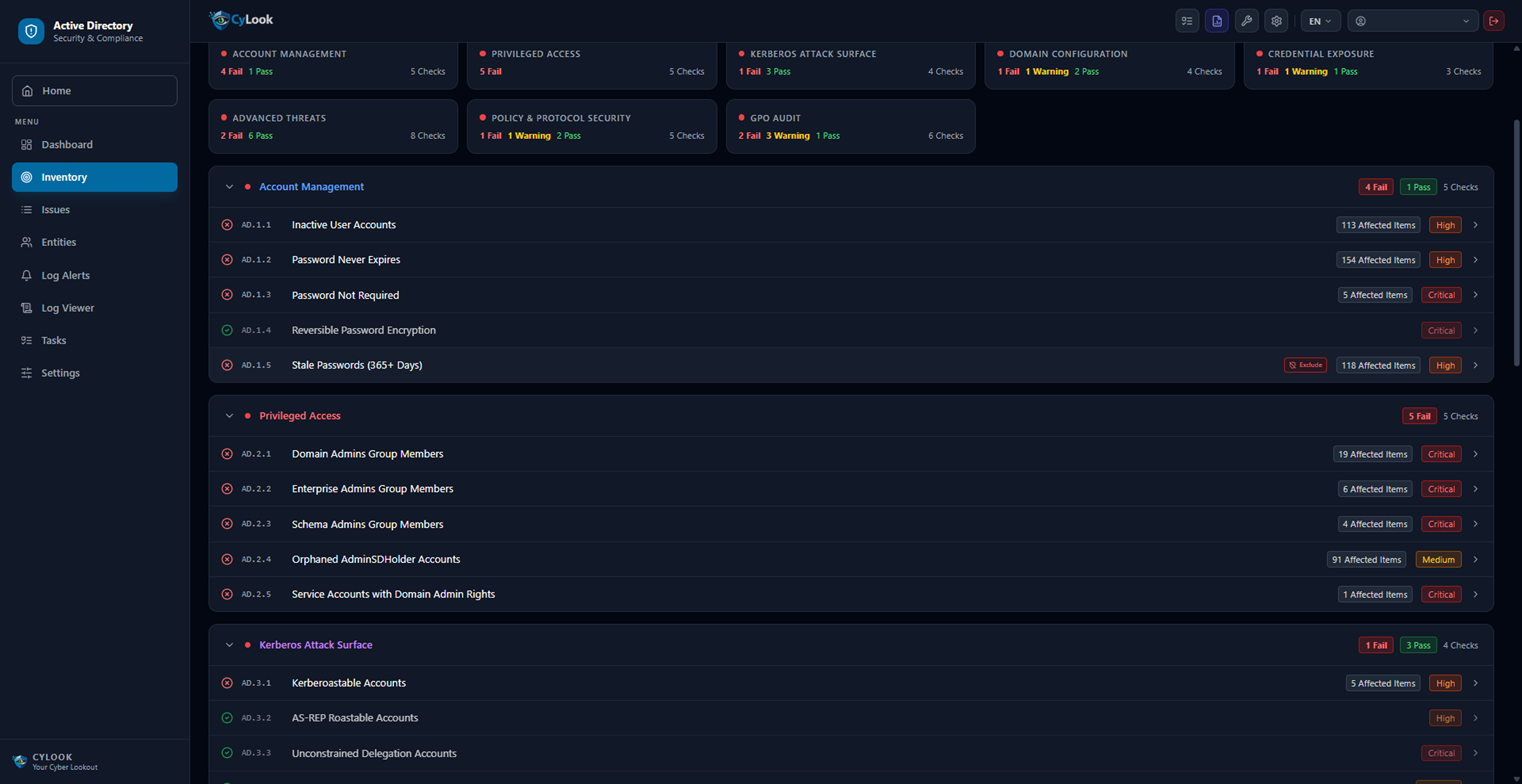
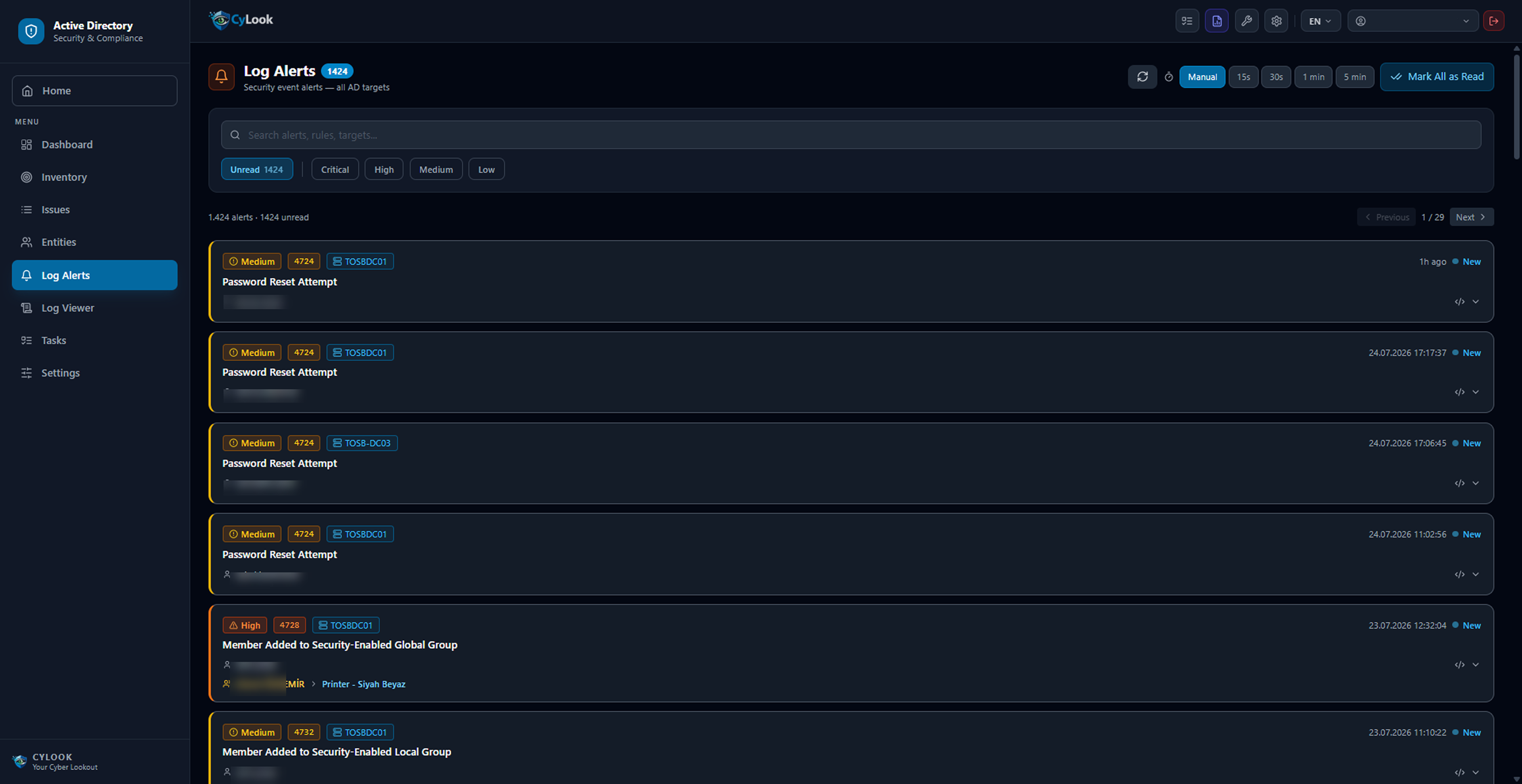
Active Directory

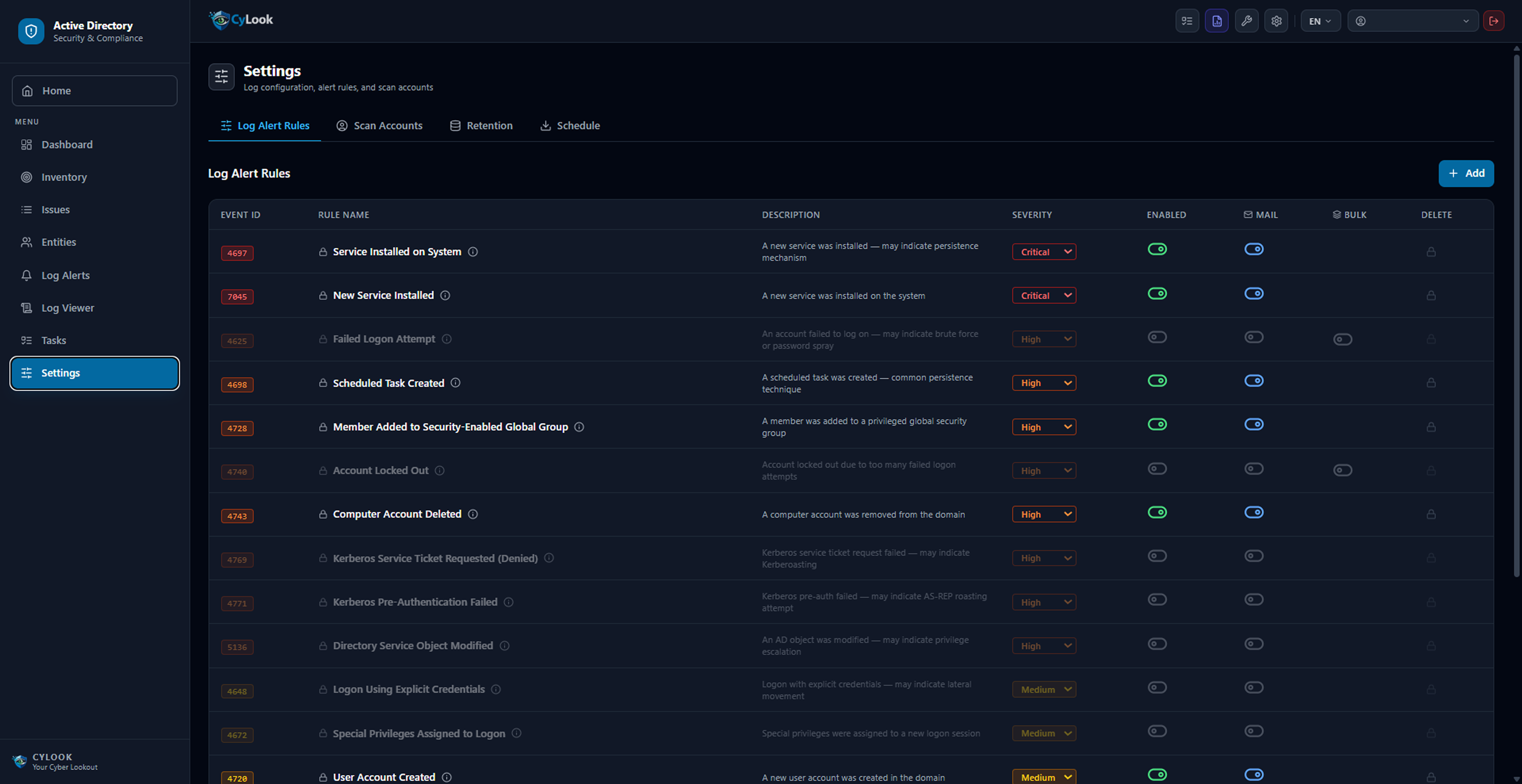
CyLook's Active Directory security audit tool scans your on-premises AD environment for vulnerabilities — Kerberoastable accounts, excessive Domain Admin privileges, weak password policies — and delivers real-time log alerts.
Kerberoastable Account Detection Empty / Non-Expiring Password Domain Admin Excess Real-Time Log Alerts Syslog Integration Security Score & Trend GPO Security Audit Excel / PDF Export

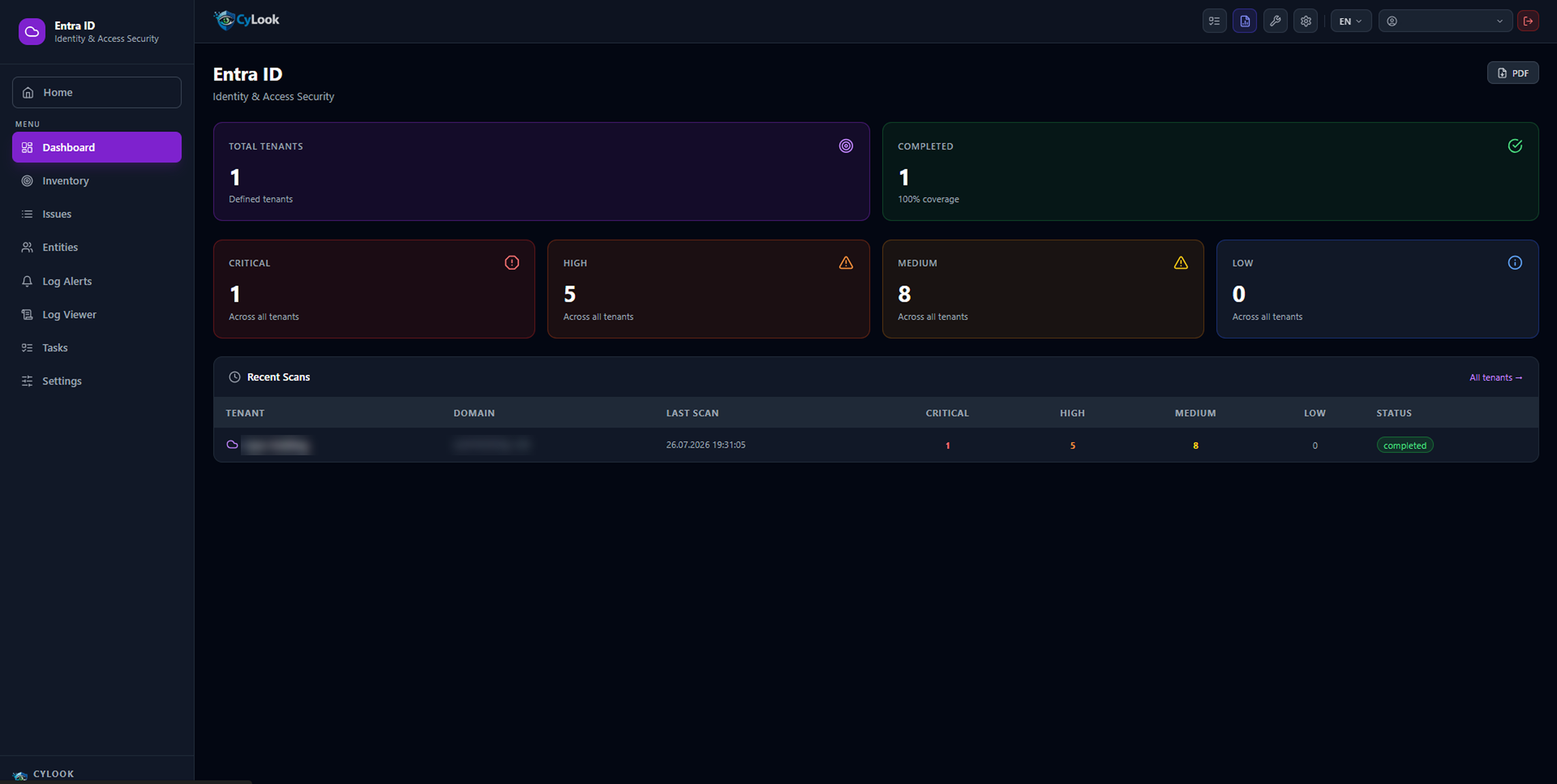
Entra ID (Azure AD)

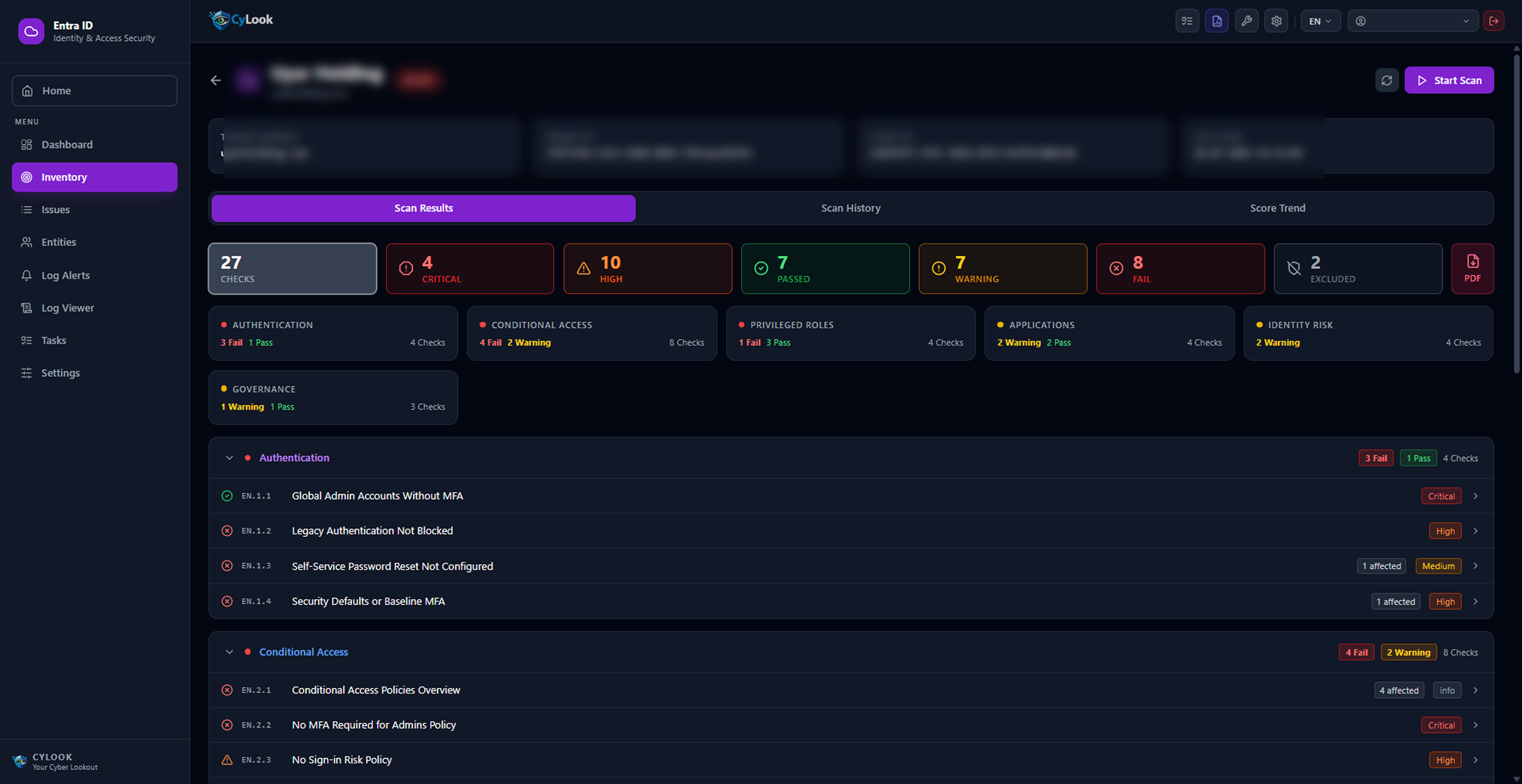
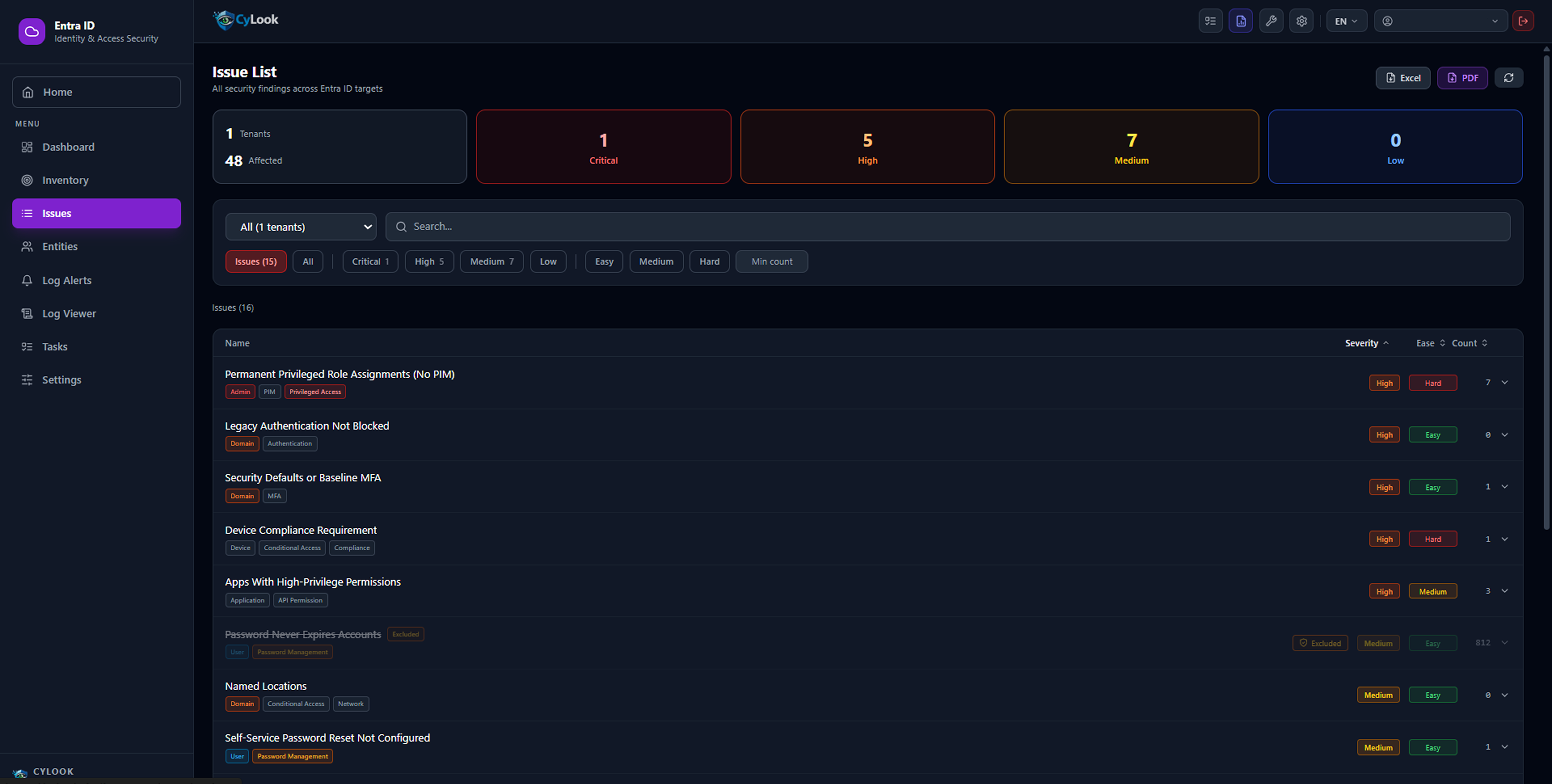
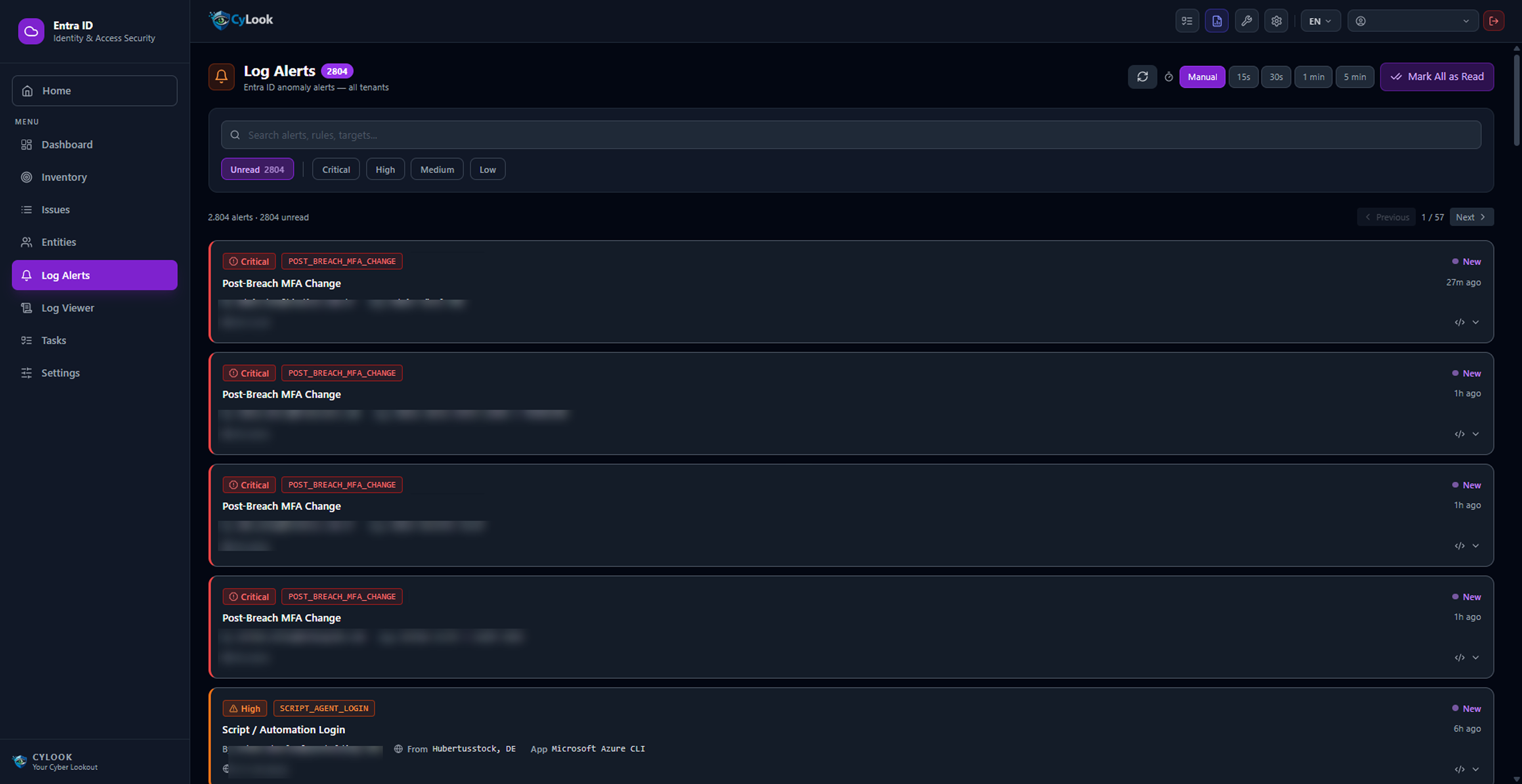
Run a continuous Entra ID (Azure AD) security assessment of your Microsoft 365 and Azure environment — identity risks, conditional access gaps, privileged role anomalies — with real-time anomaly log monitoring.
Multi-Tenant Support Conditional Access Audit Privileged Role Tracking Auto-Refresh (15s / 30s / 1min) Identity Risk & Governance Excel / PDF Export

Exchange Online — Email Security

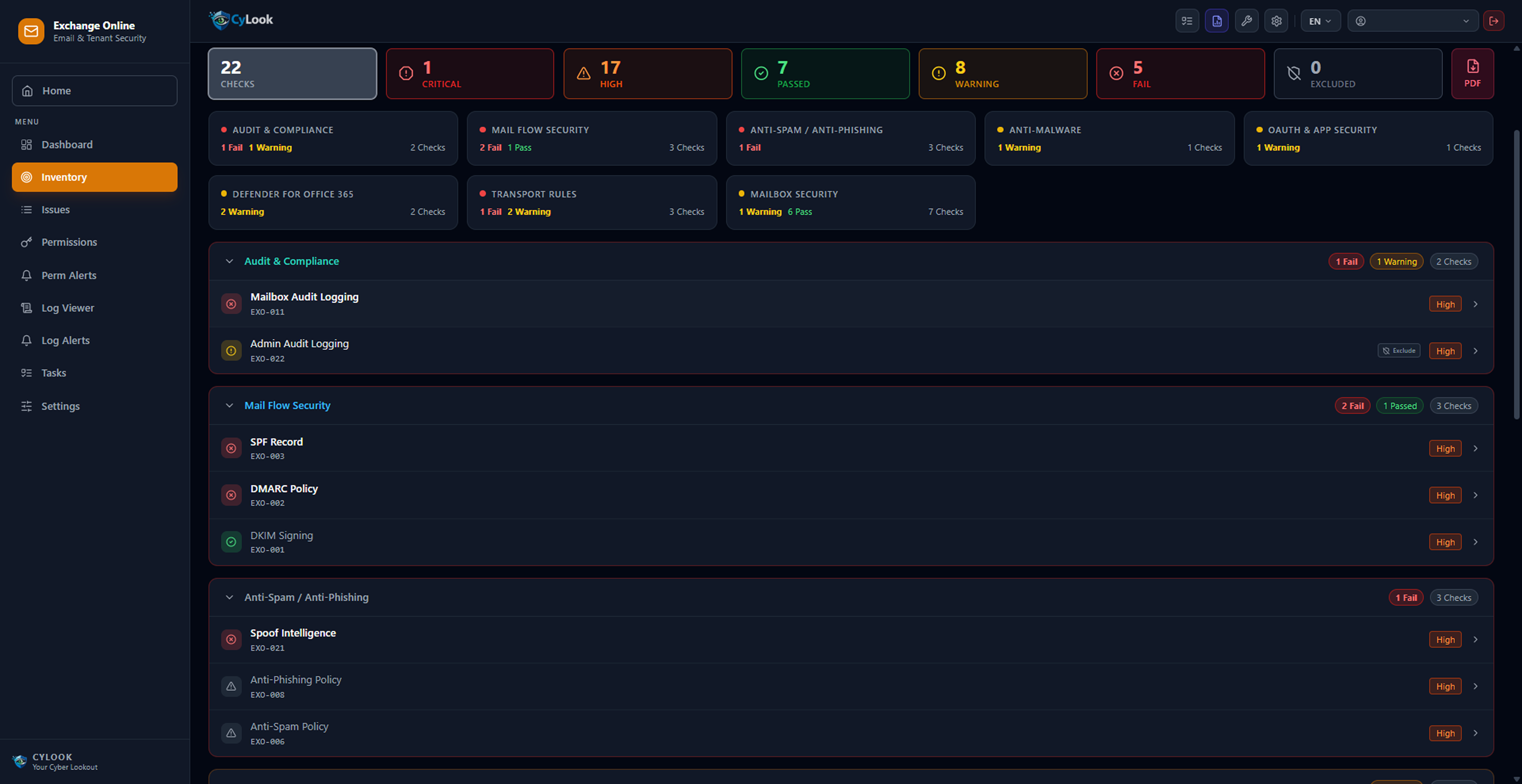
Audit your Microsoft 365 Exchange Online infrastructure for email security; keep mail flow, anti-spam, anti-phishing policies and mailbox security under control.
Mailbox Audit Logging Check SPF / DMARC / DKIM Record Audit Anti-Phishing & Anti-Spam Policy Analysis Anti-Malware Protection Check Defender for Office 365 Check Transport Rules Security Analysis Mailbox Security — 7 Checks Log Collection & Log Alerts

Tenant Management — Microsoft 365

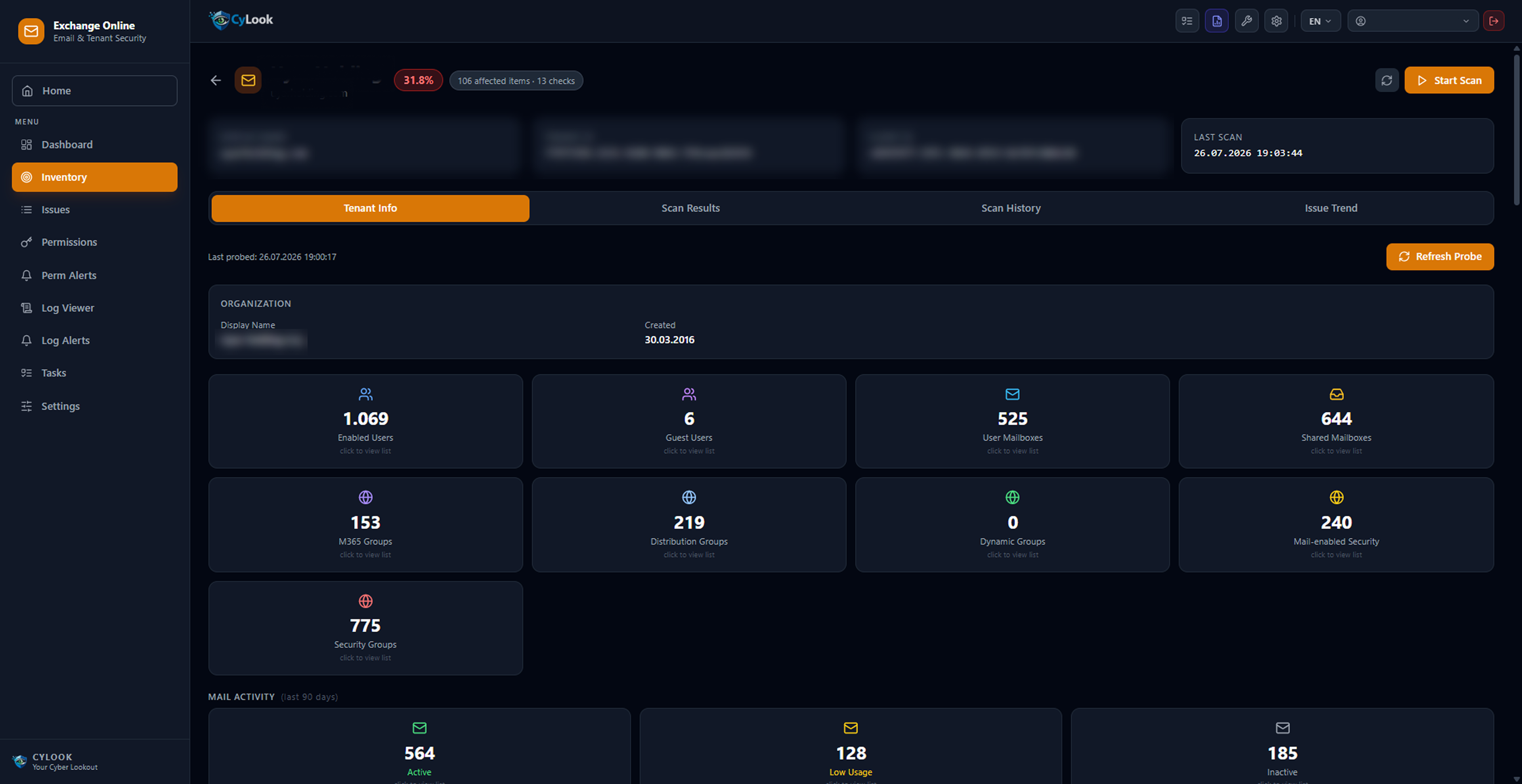
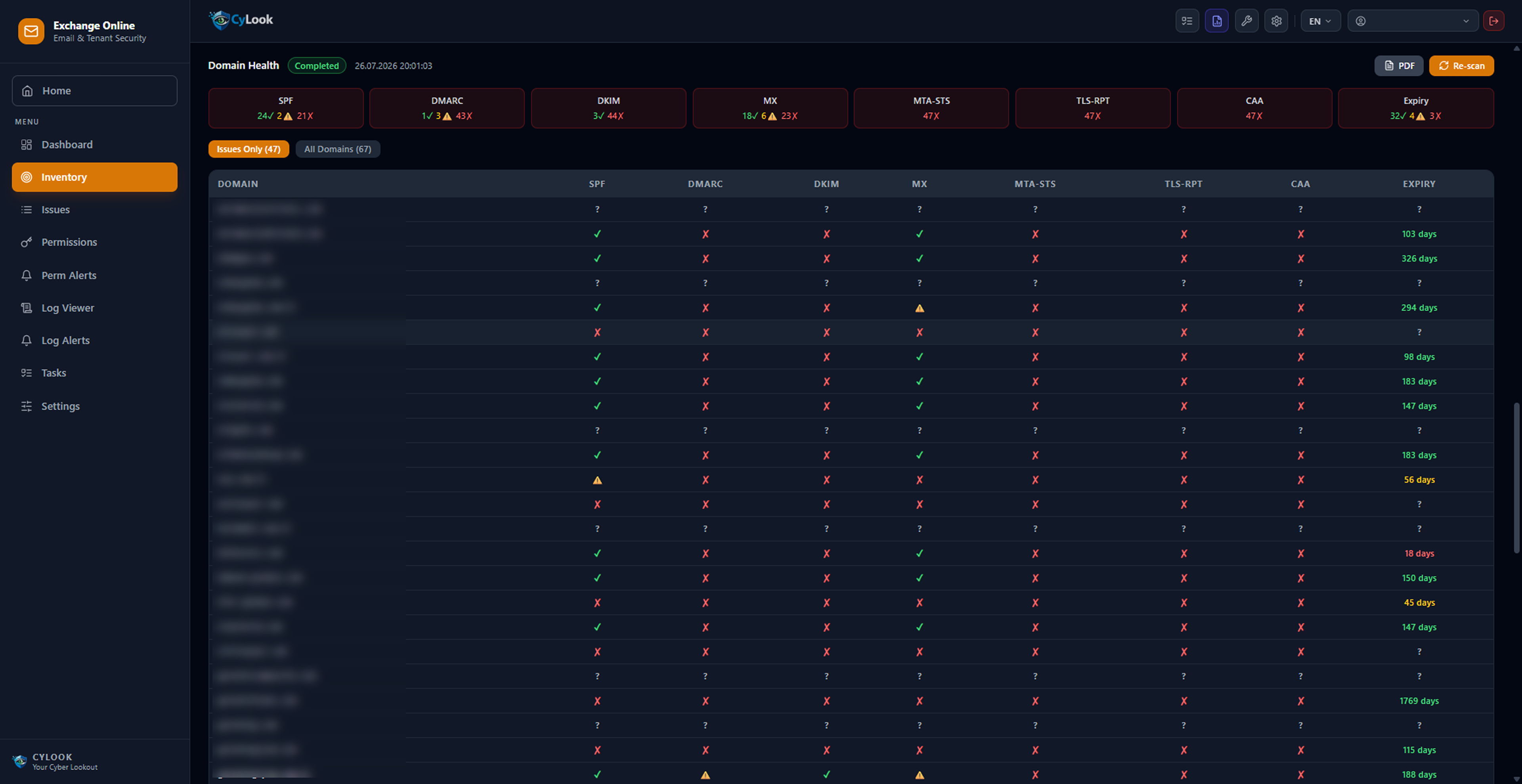
Inventory your Microsoft 365 tenant assets (users, mailboxes, groups); monitor SPF, DMARC, DKIM, MX and expiry dates for all domains in a single screen.
Tenant User & Mailbox Inventory M365 / Distribution / Security Group Tracking Domain Health Monitoring SPF / DMARC / DKIM / MX Status Check Domain Expiry Date Alert MTA-STS / TLS-RPT / CAA Record Tracking

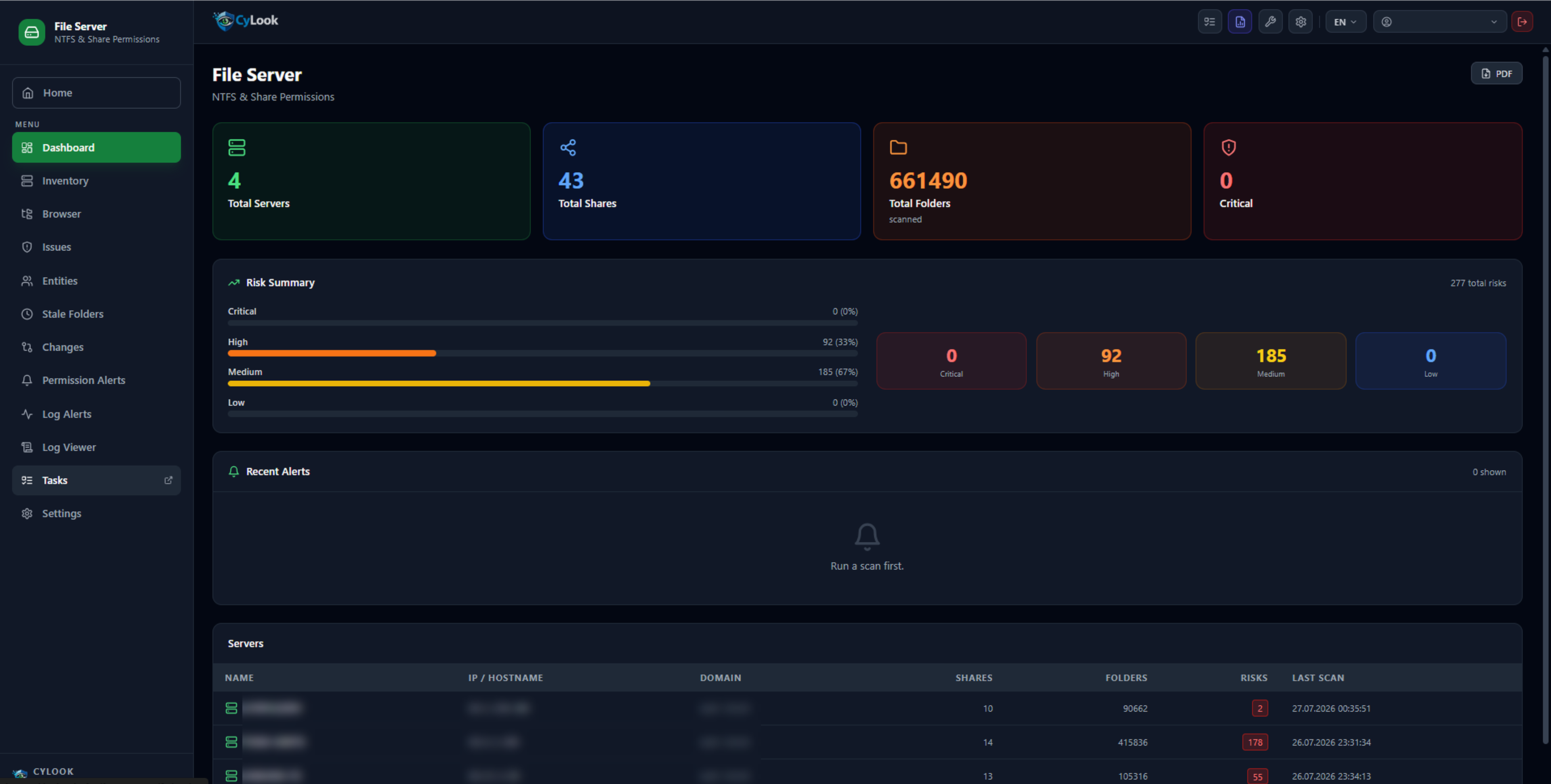
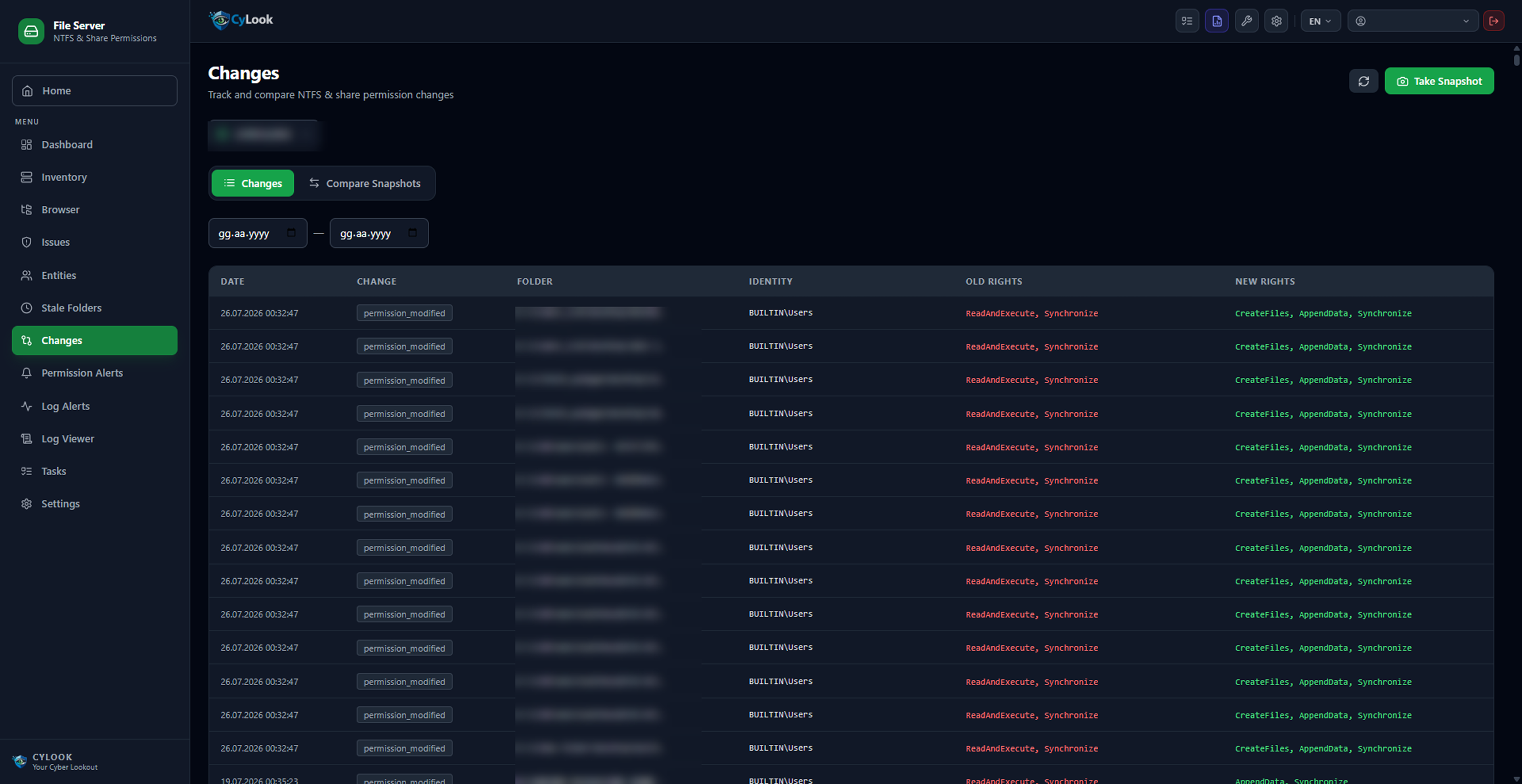
File Server — NTFS & Share Permissions

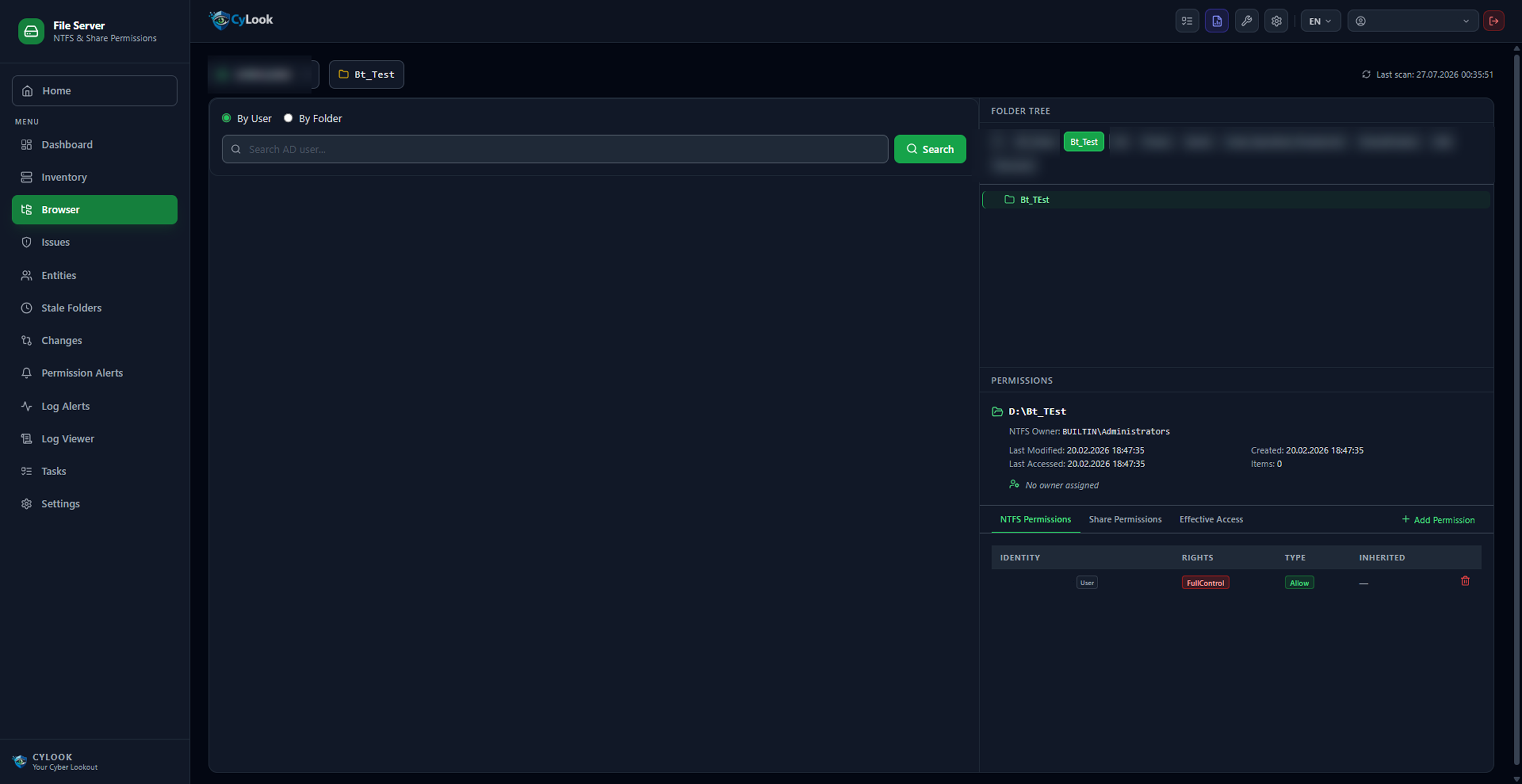
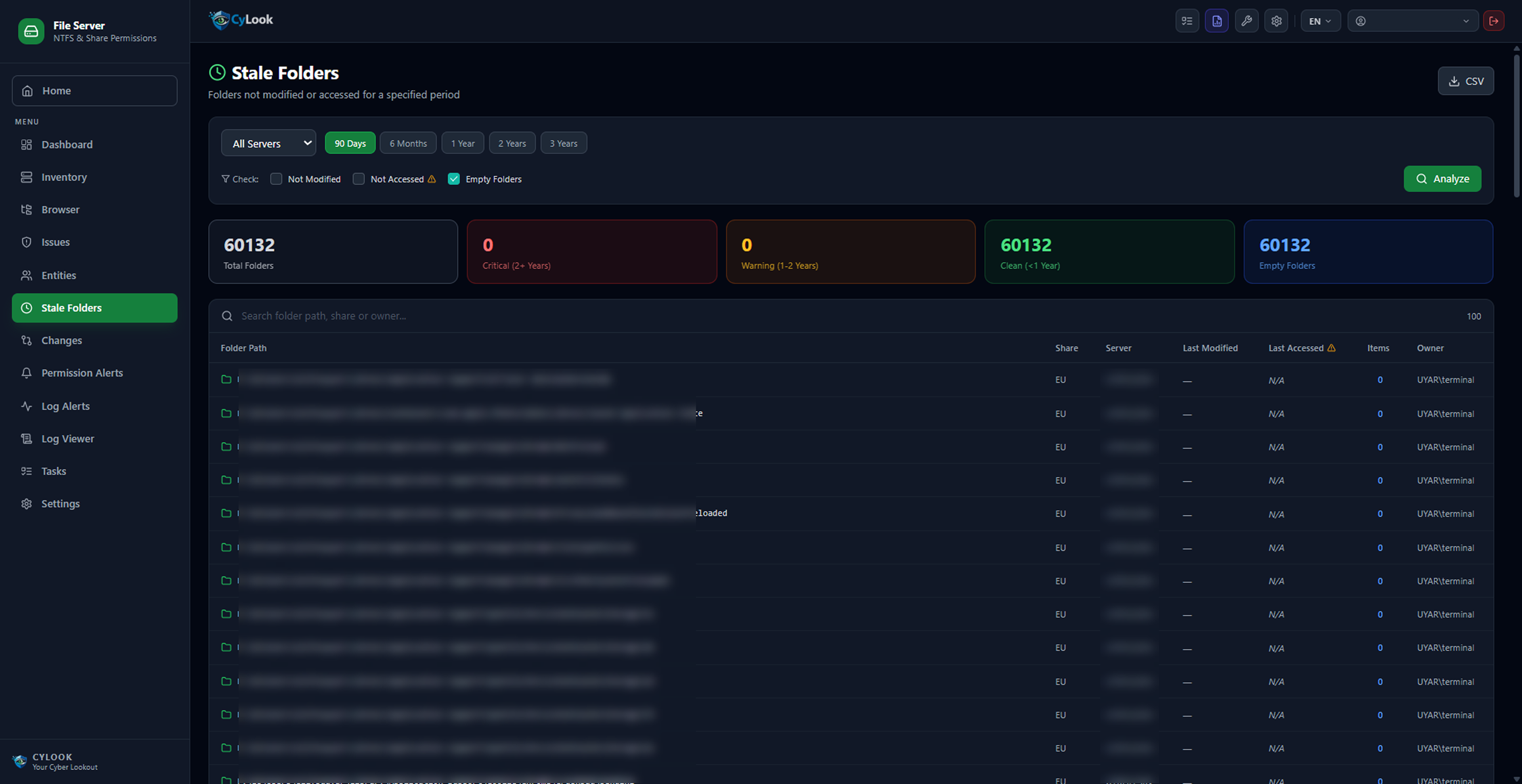
Audit permissions across hundreds of thousands of folders, track changes and detect stale assets.
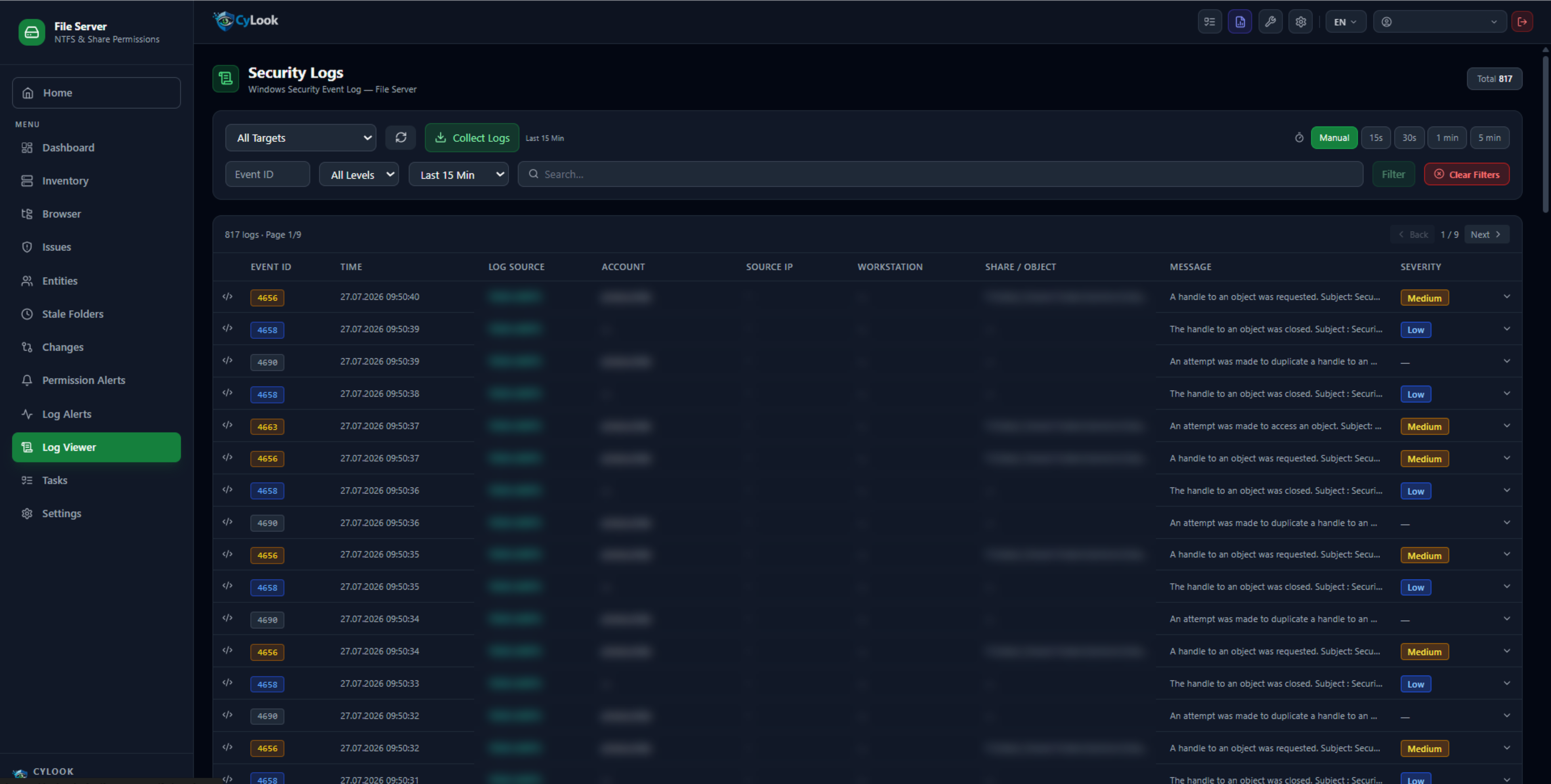
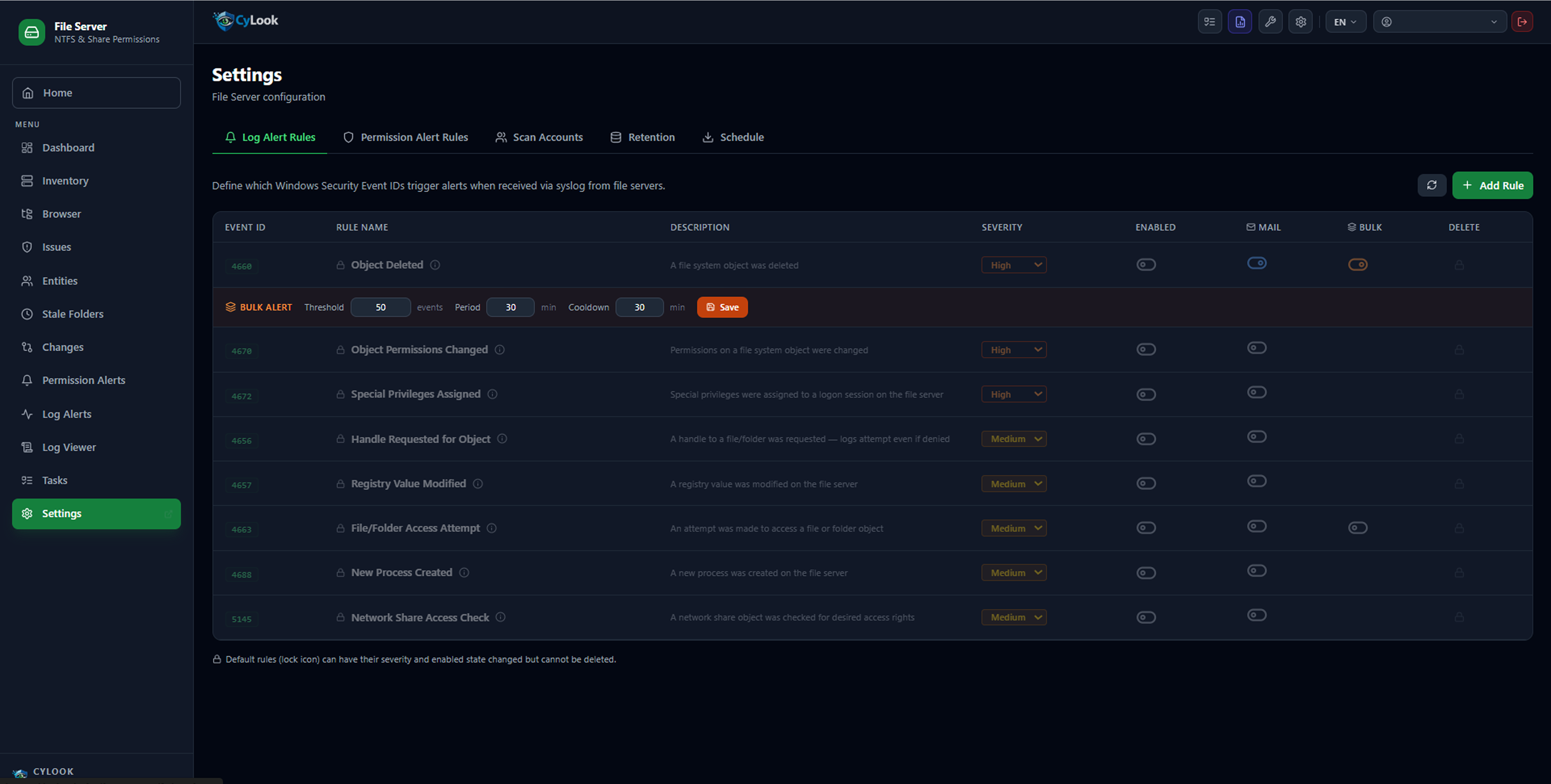
Orphan SID Detection Stale Folder Detection Permission Change Tracking NTFS / Share / Effective Access User or Folder-Based Query Windows Event ID Log Alerts

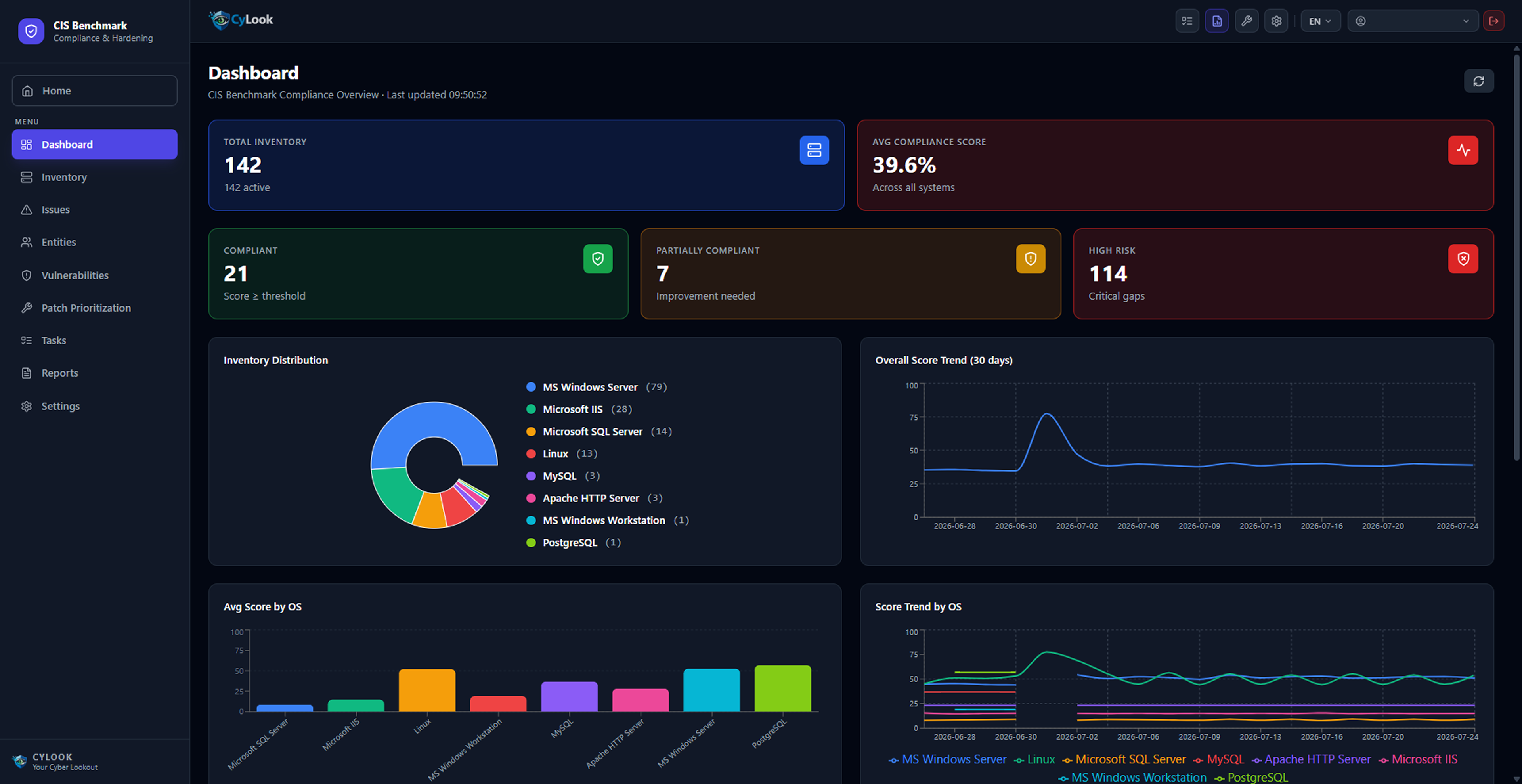
CIS Benchmark

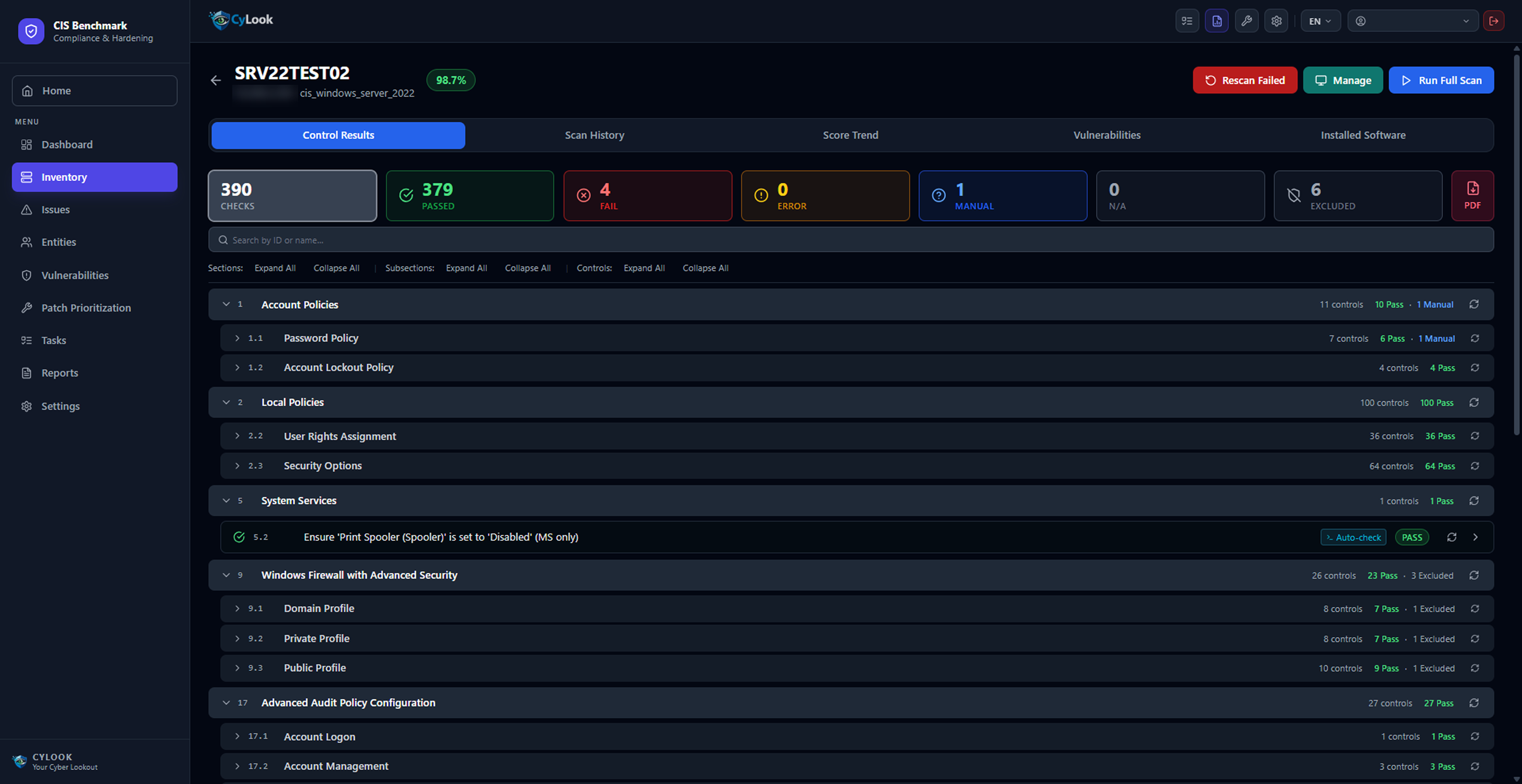
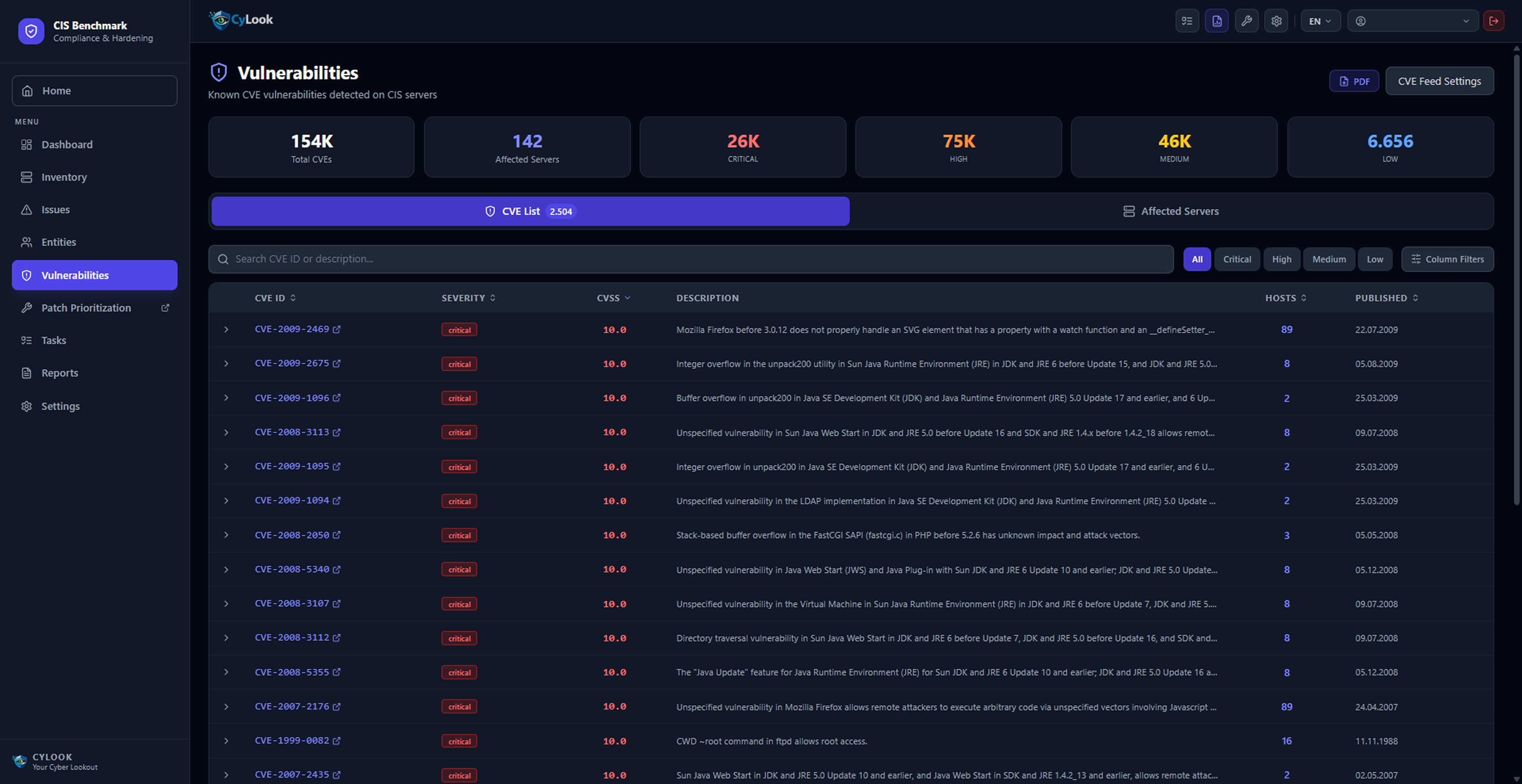
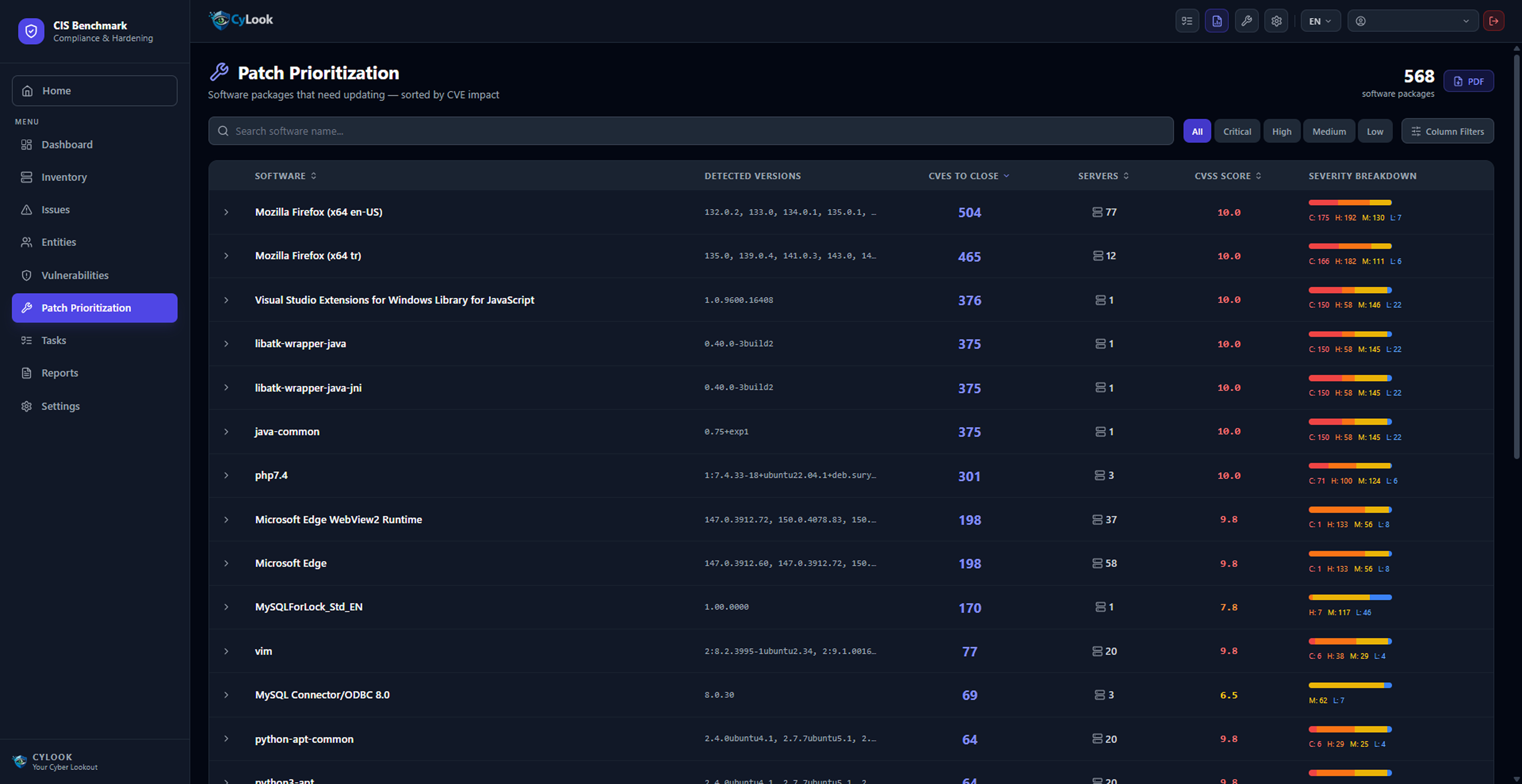
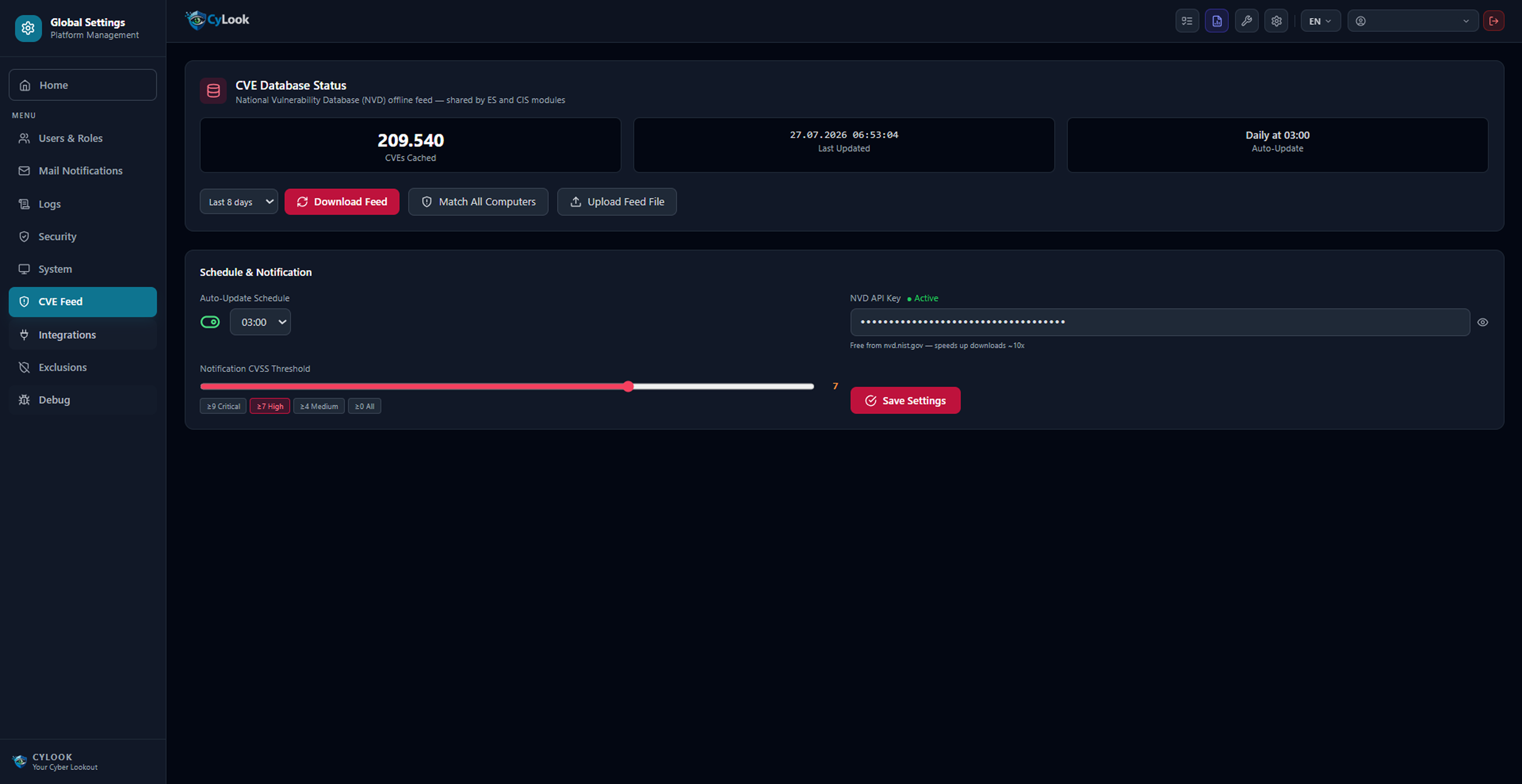
CyLook's CIS Benchmark compliance software audits Windows, SQL, Linux, MySQL and Apache servers against CIS standards; manage compliance scores, CVE vulnerabilities and patch prioritization in a single screen.
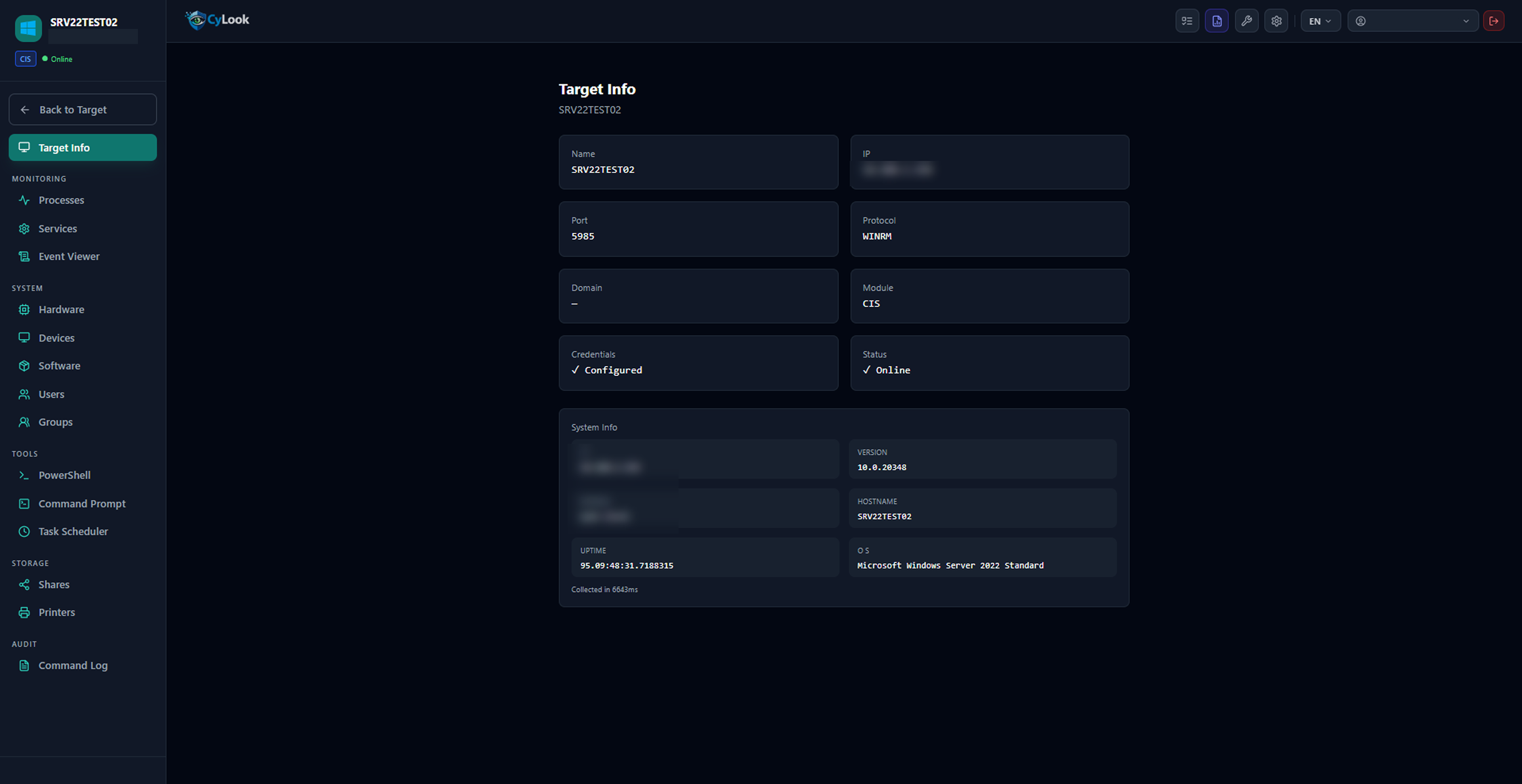
Windows Server / SQL / Linux / MySQL / Apache / PostgreSQL Detailed compliance score per system CVE Database (209K+ NVD) Patch Prioritization Remote Monitoring & Tools Exception Management with Exclusions

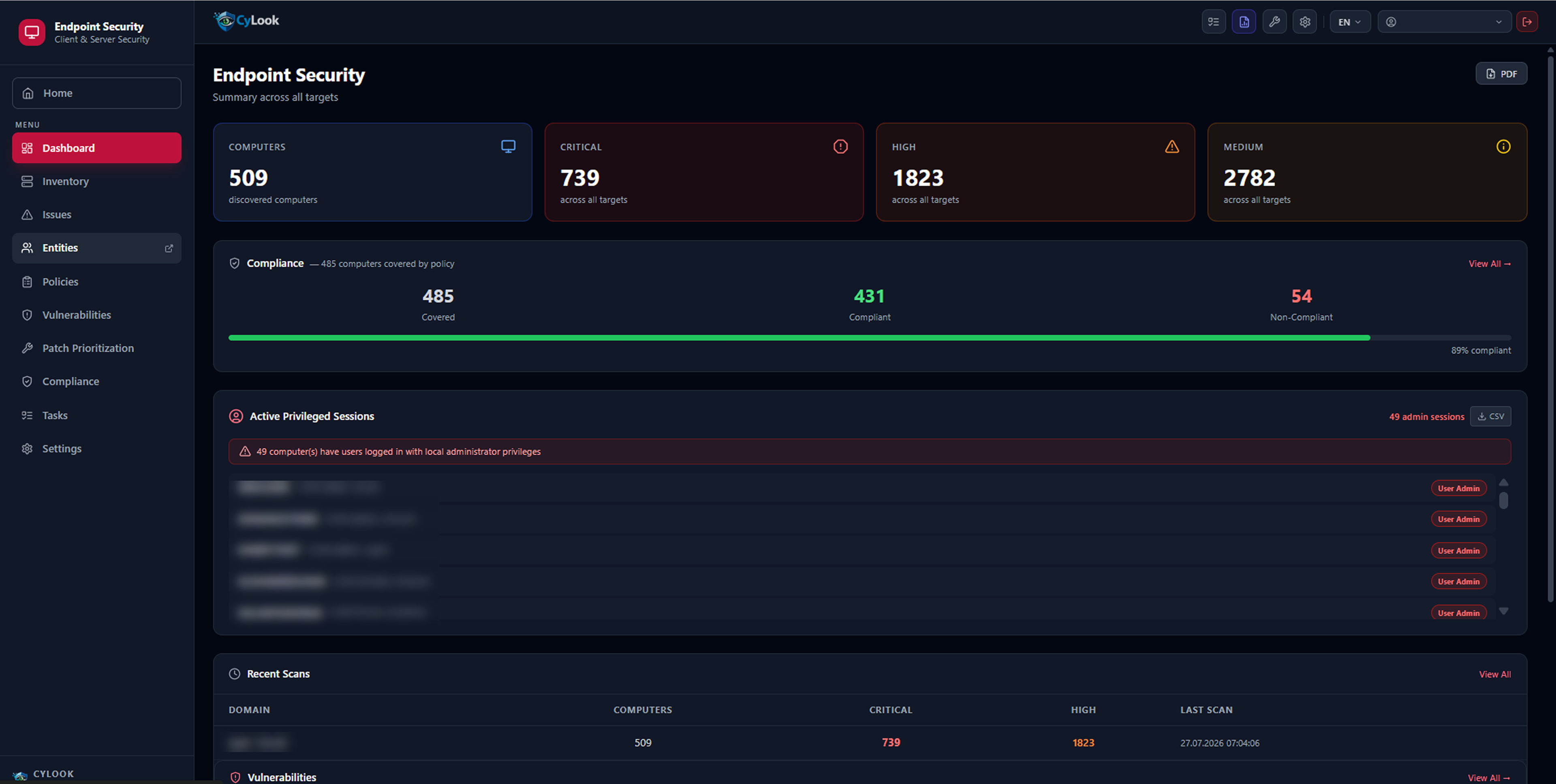
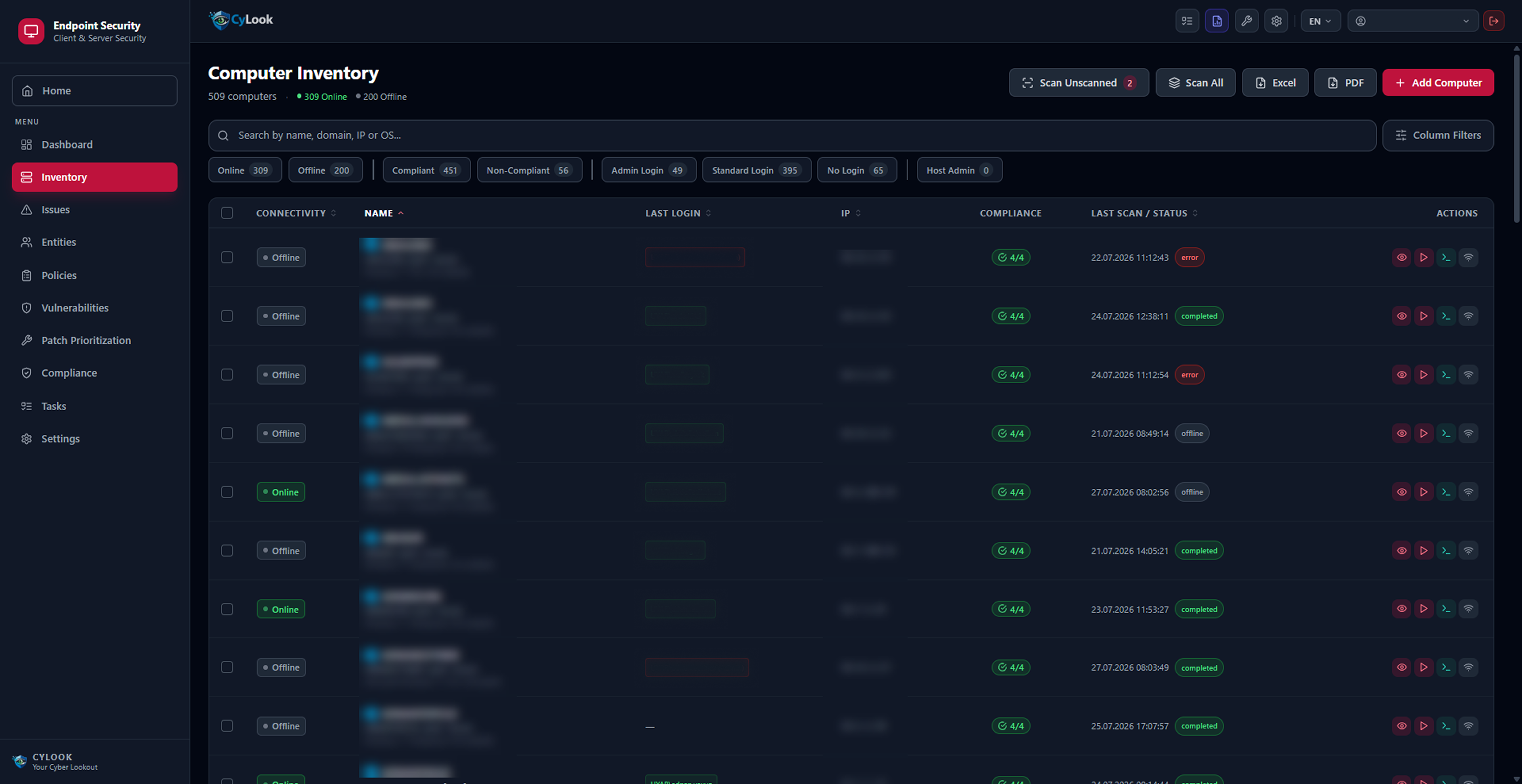
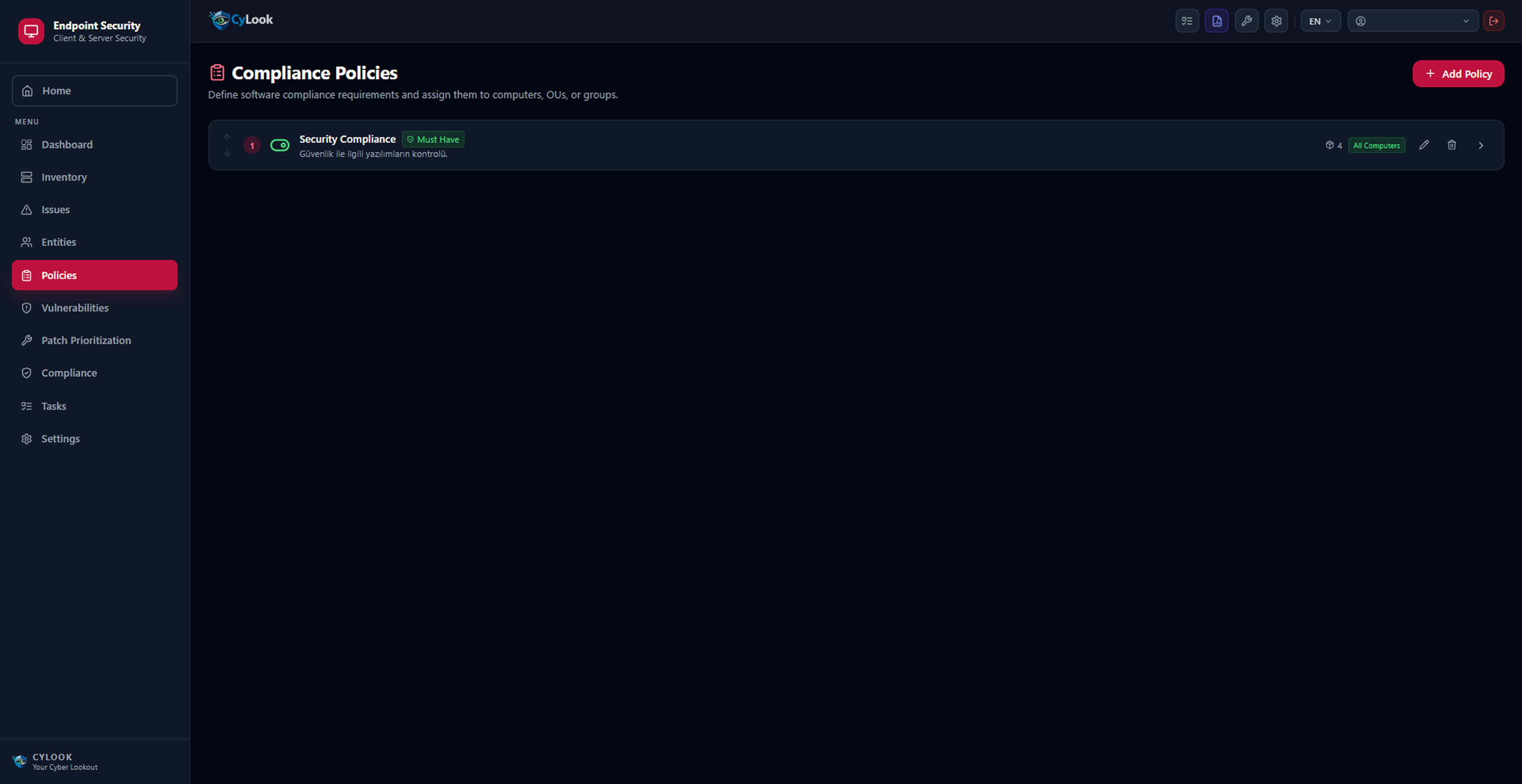
Endpoint Security

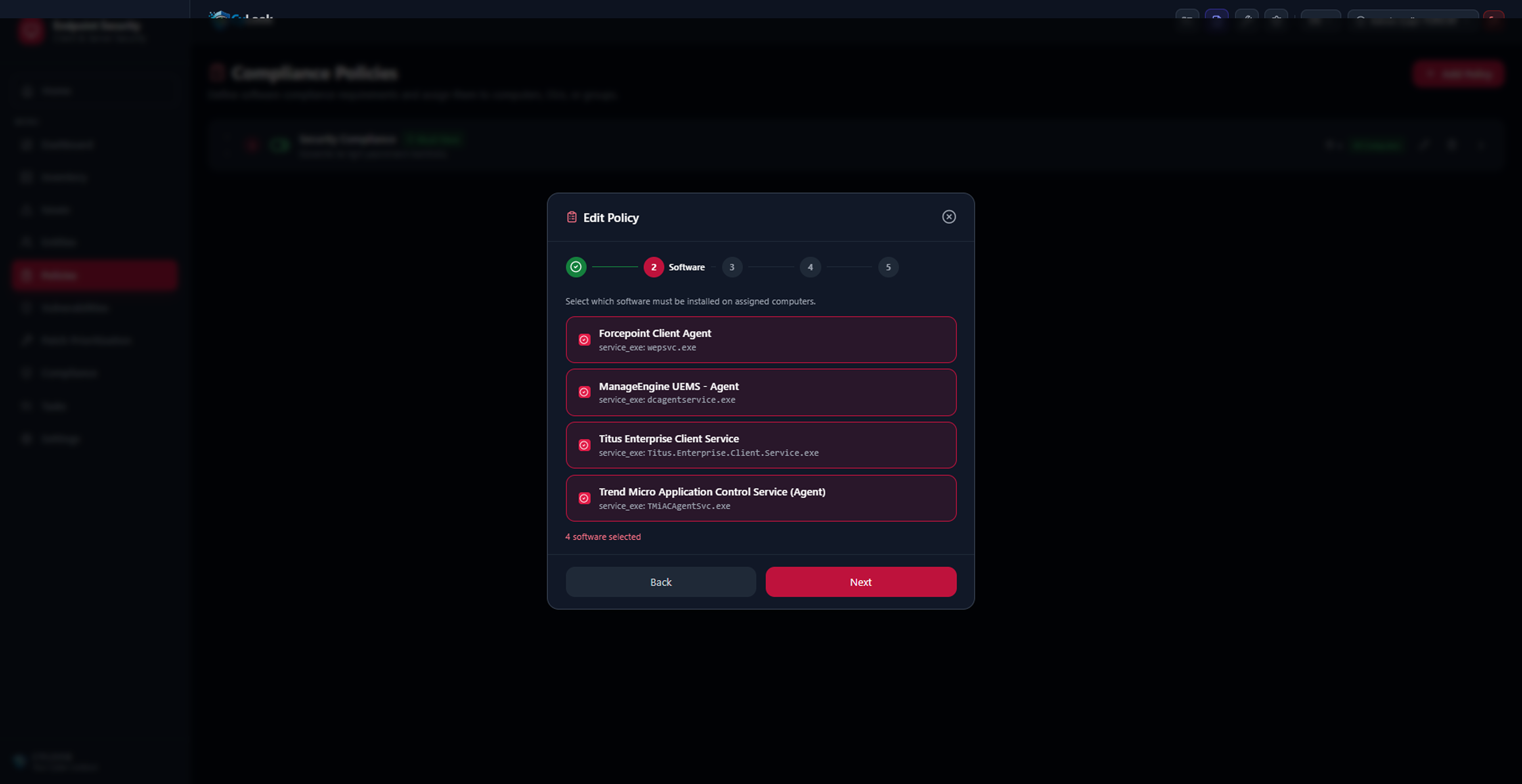
Monitor your computers for CVE vulnerabilities, compliance status and privileged session tracking.
Active Local Admin Session Detection CVE Scanning Mandatory Software Policy Patch Prioritization Windows & macOS Support Compliance Tracking

SSL / Certificate Monitor

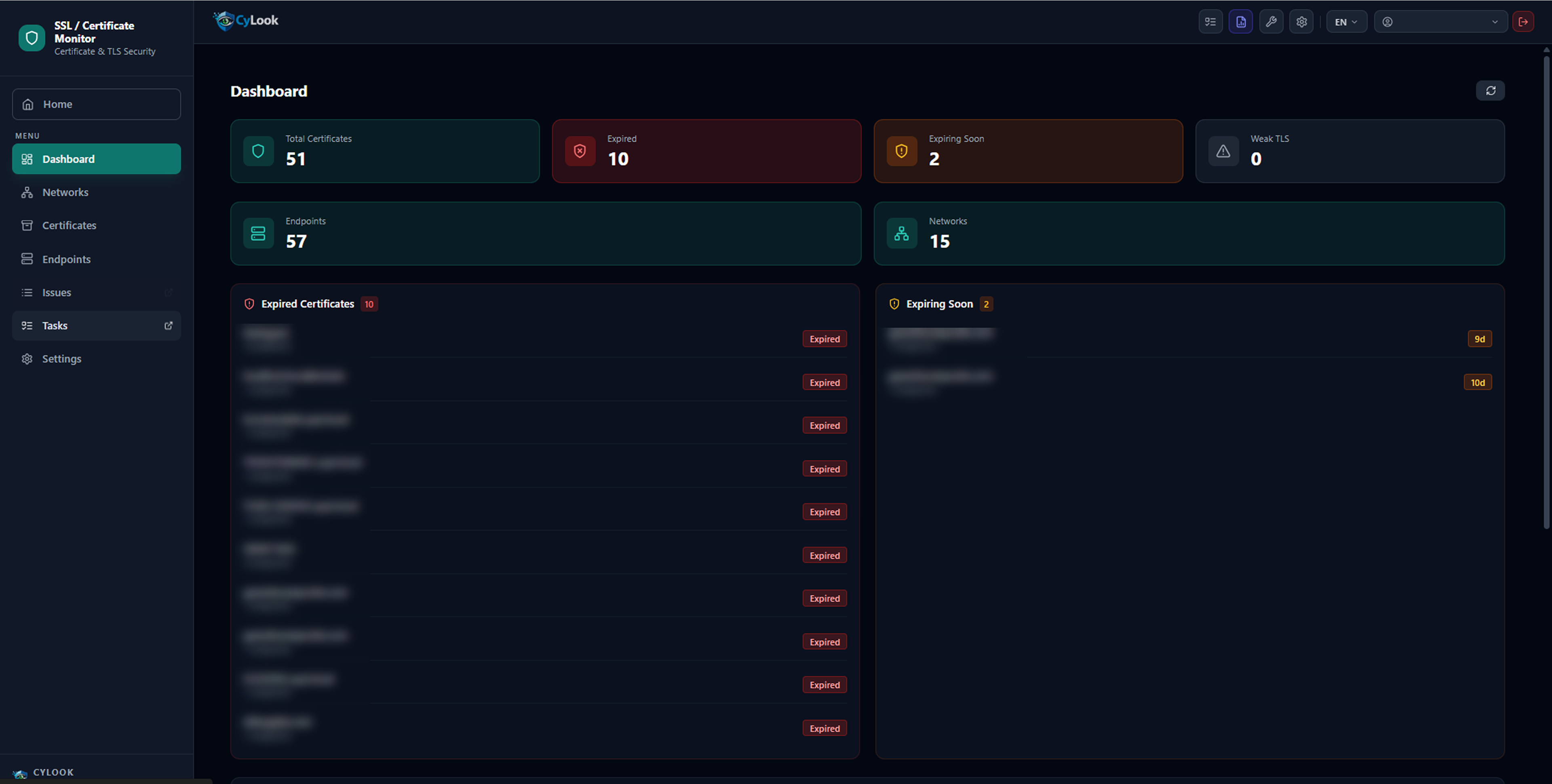
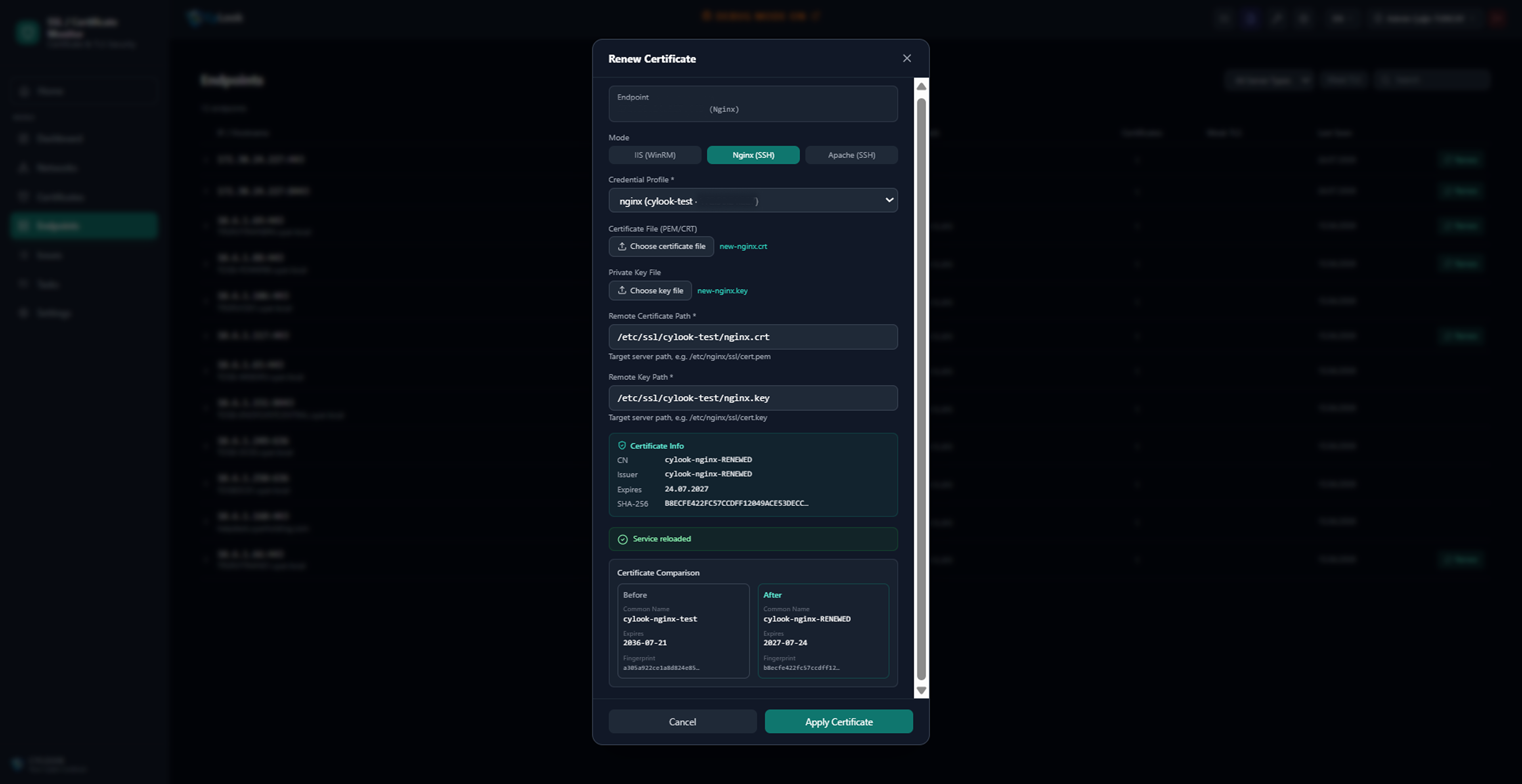
CyLook's SSL certificate monitoring platform tracks certificates across your entire network and alerts you before they expire, preventing unplanned outages caused by expired TLS/SSL certificates.
Expired / Expiring Soon / Weak TLS Detection Remote Certificate Renewal (IIS, Nginx, Apache) Before/After Comparison View Network and Endpoint-Based Scanning Email Notification on Certificate Change

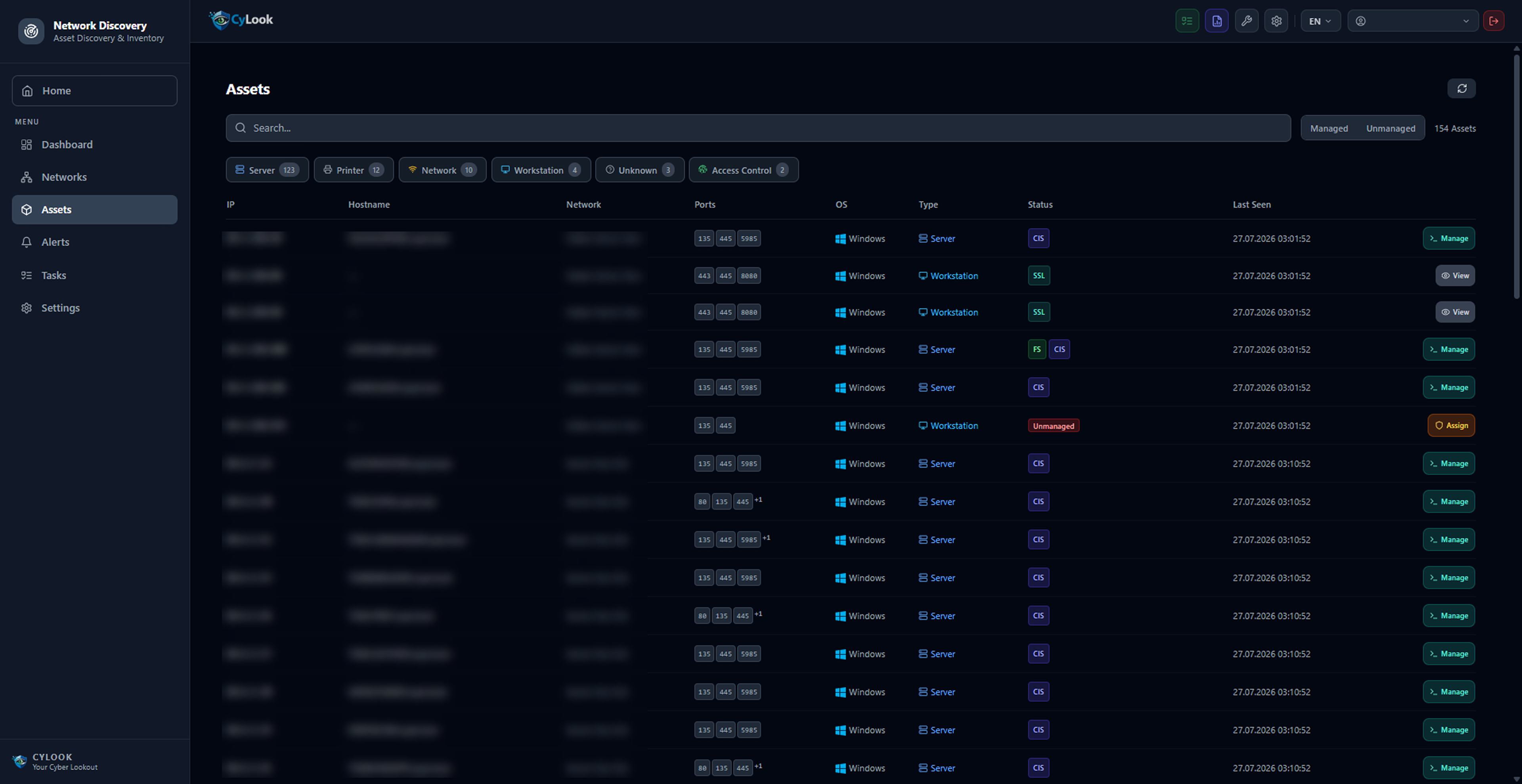
Network Discovery

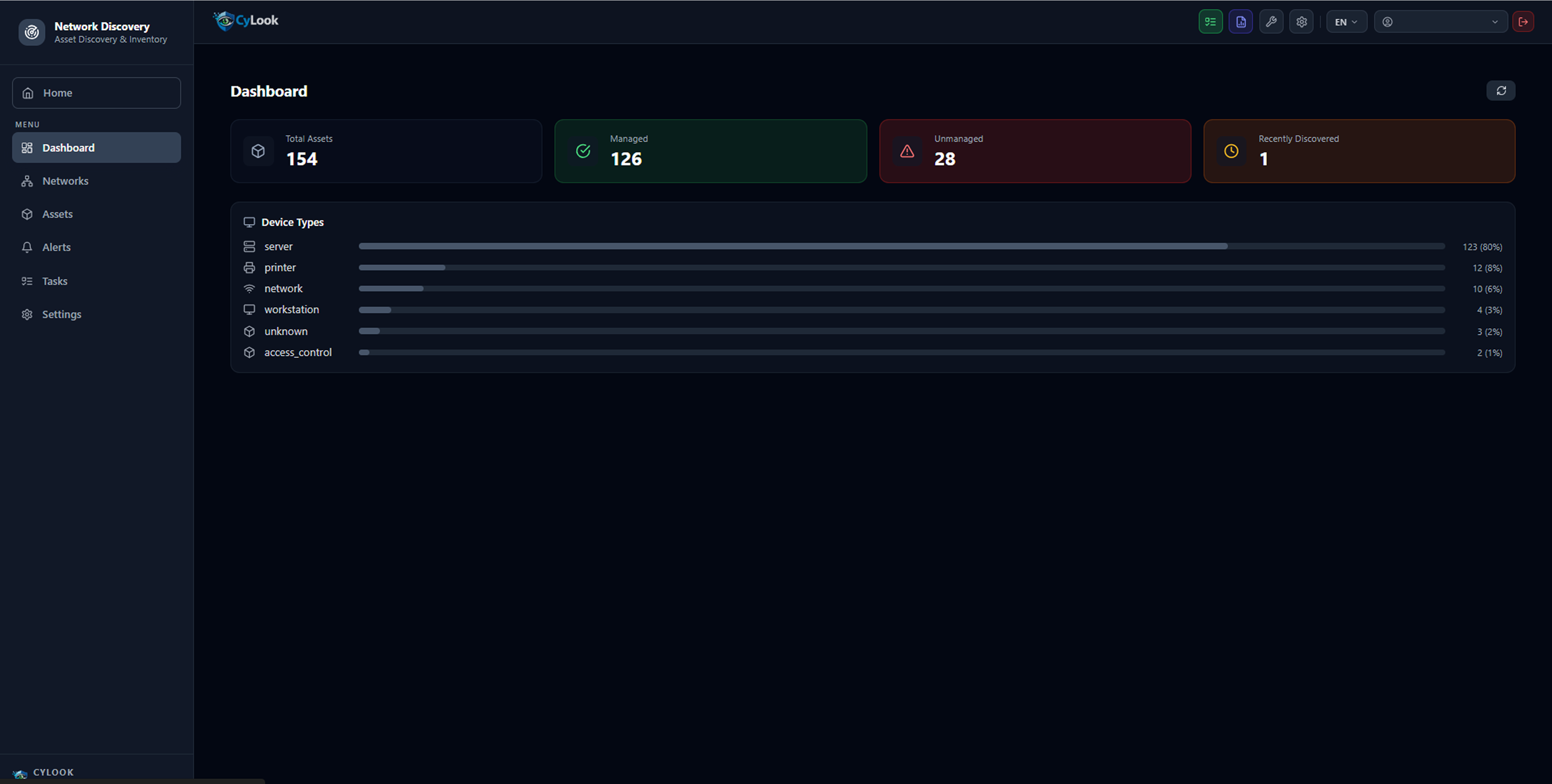
Discover all assets in your network; detect unknown devices and open dangerous ports.
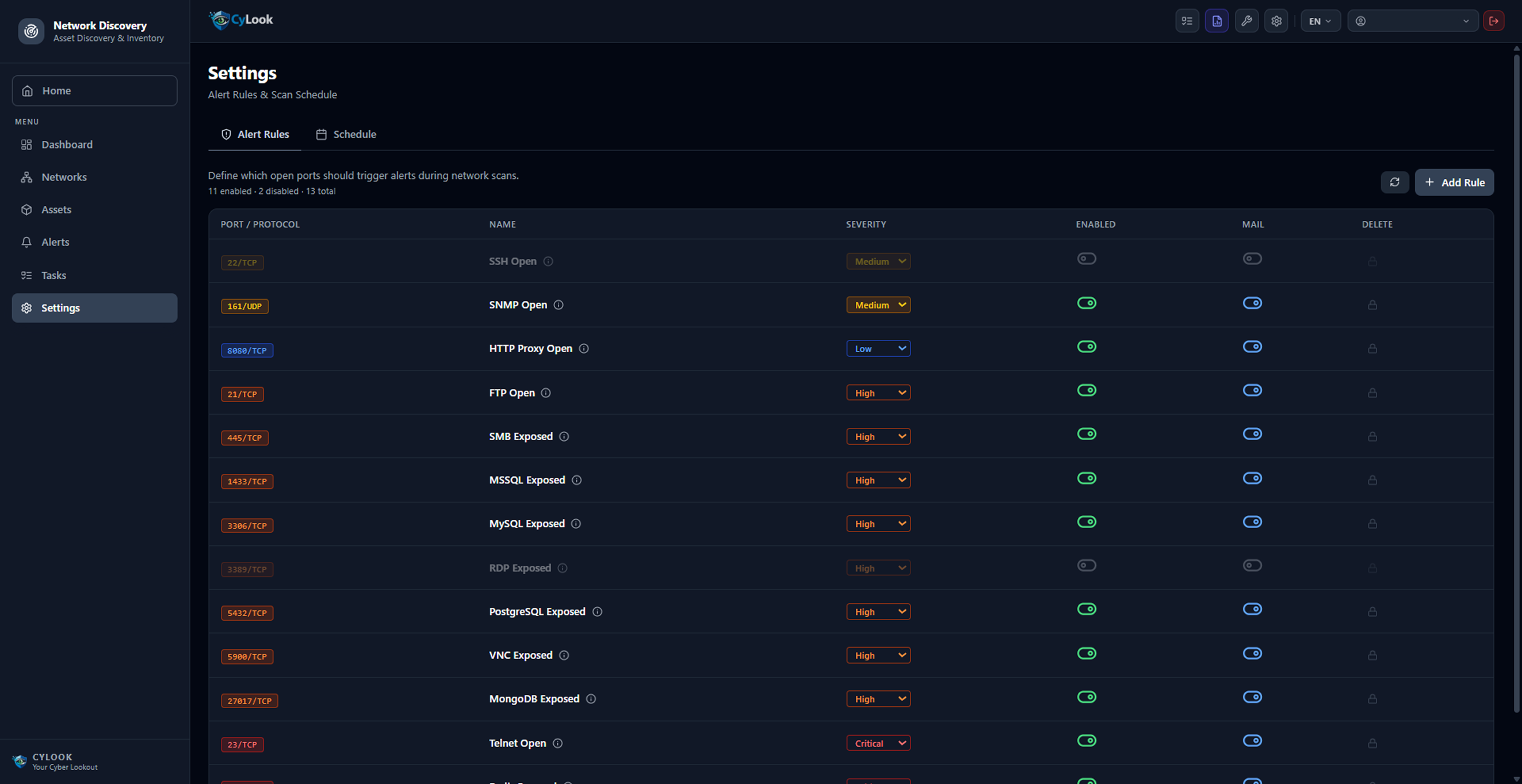
Unmanaged Device Detection Newly Discovered Device Alert Dangerous Open Port Alert (SMB, RDP, Telnet...) Server, Printer, Network Device, Workstation Classification Customizable Alert Rules

Remote Tools

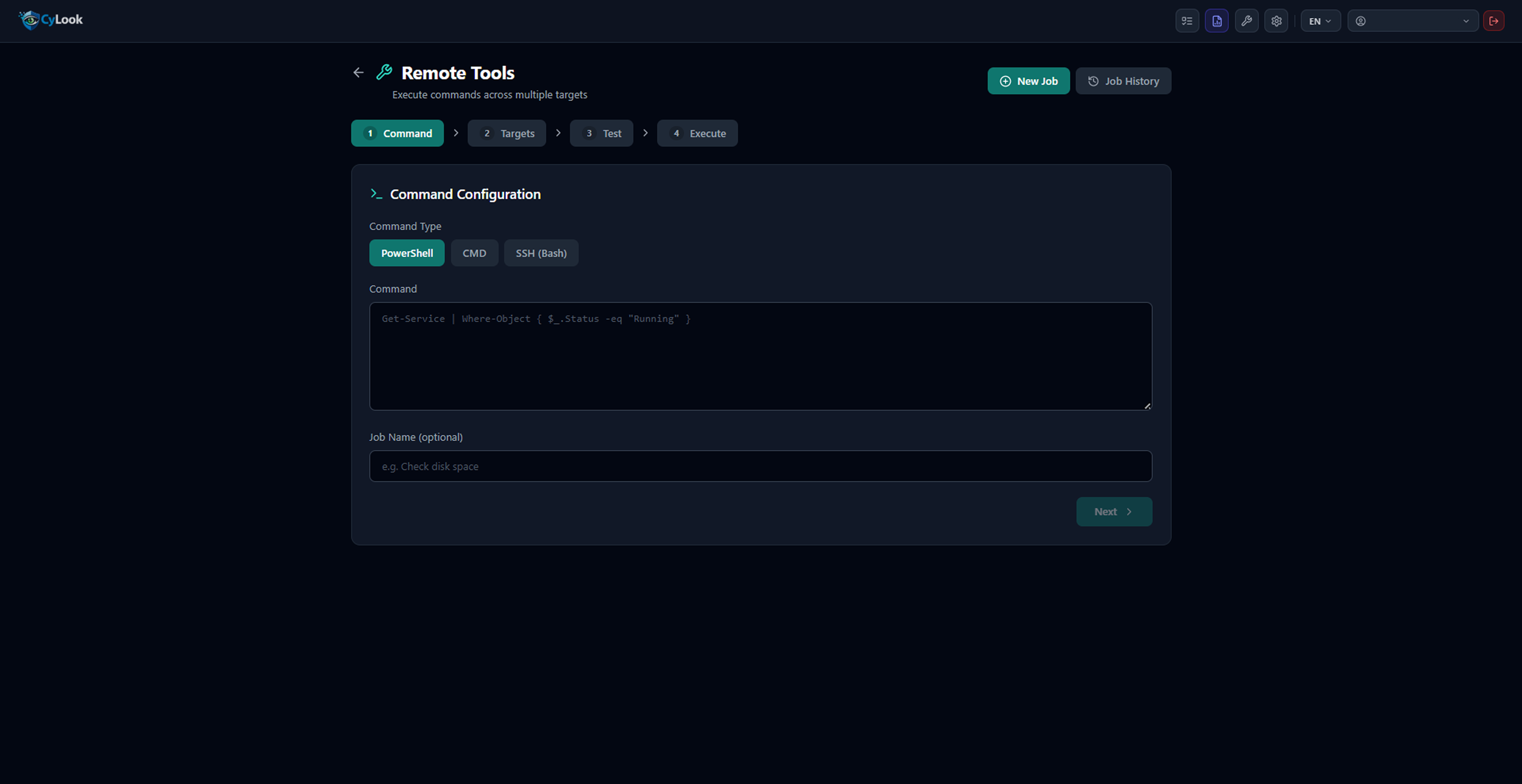
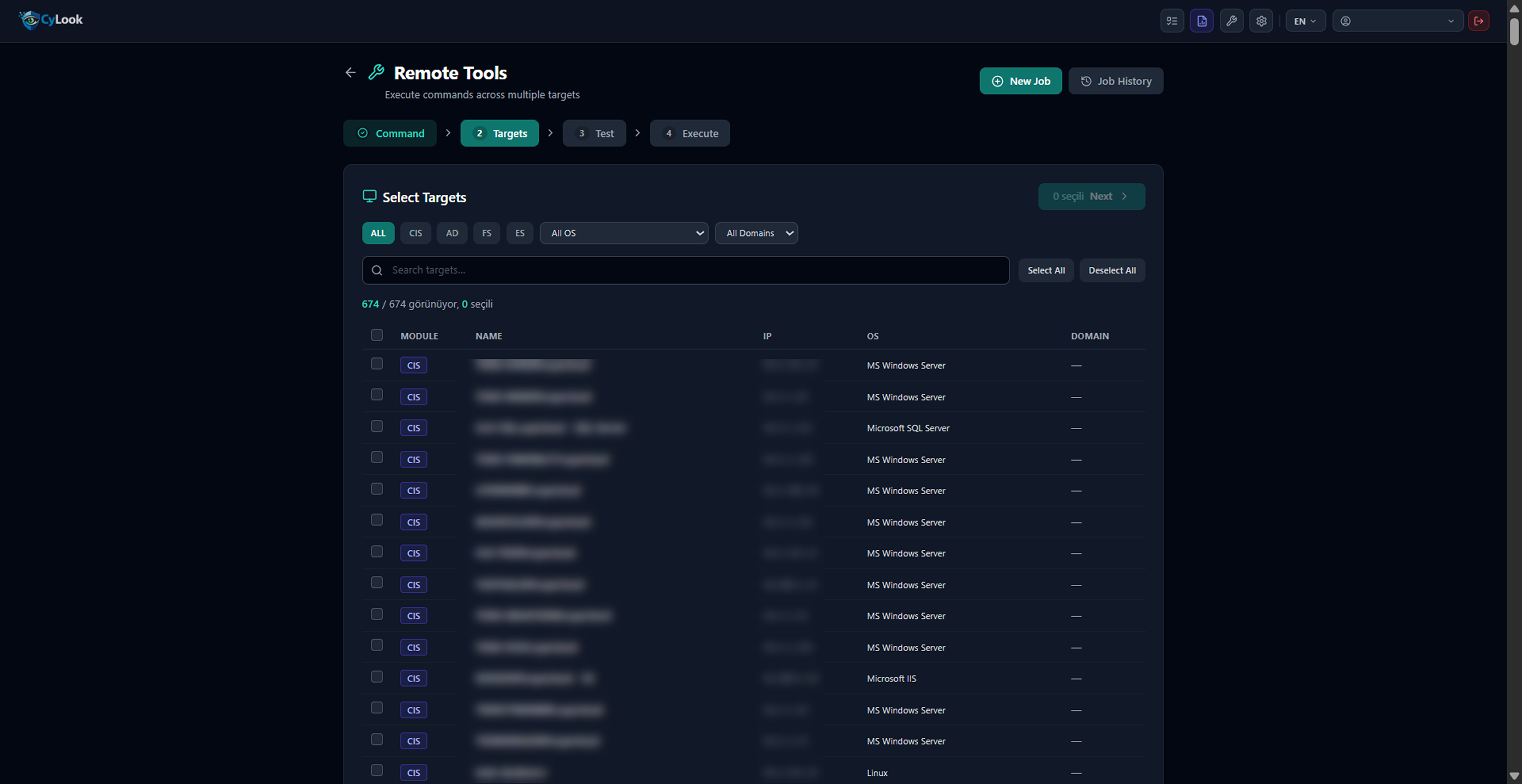
Send PowerShell, CMD and SSH commands to hundreds of targets at once.
Bulk Command to Multiple Targets PowerShell / CMD / SSH (Bash) Module and OS-Based Target Filter Job History Tracking

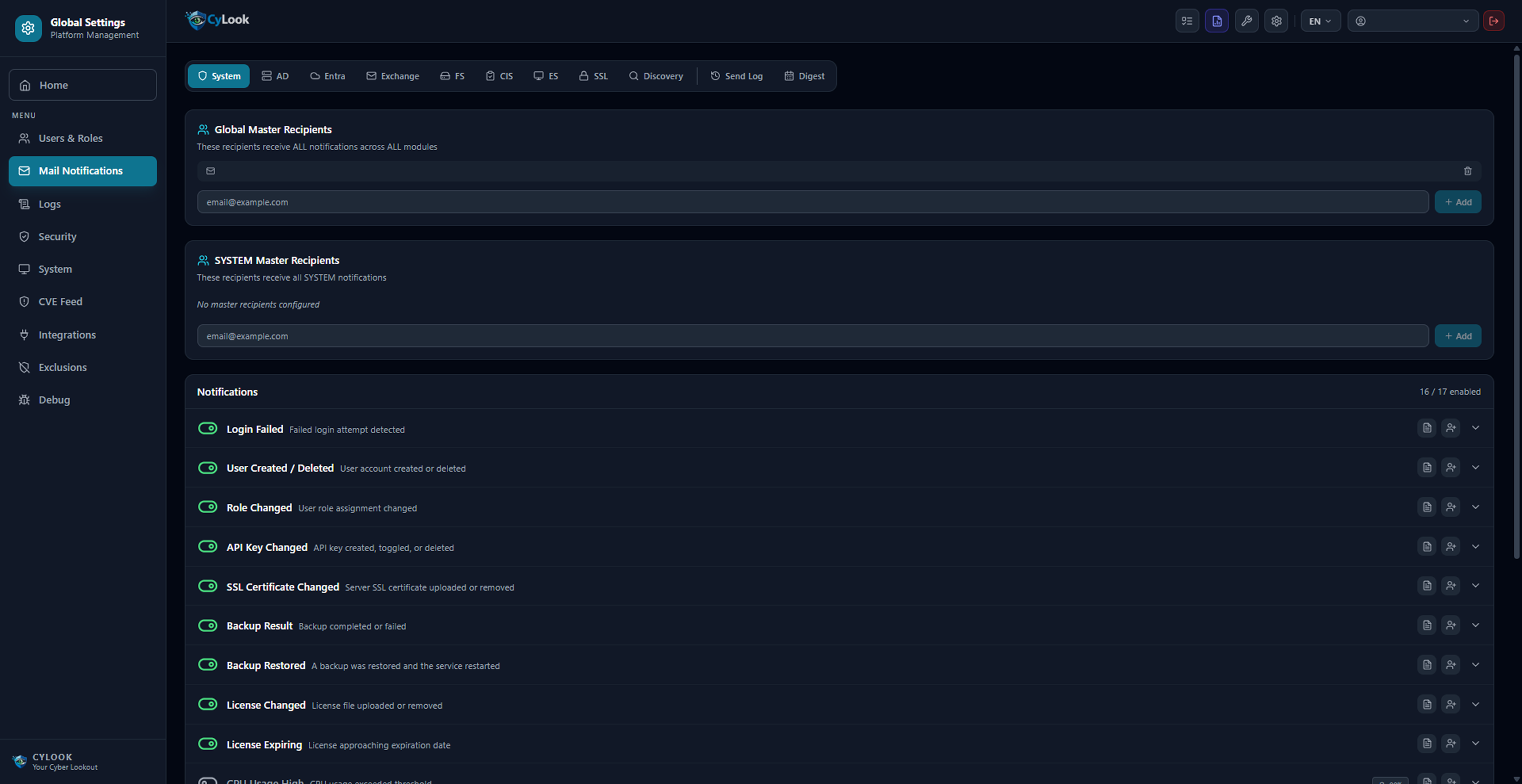
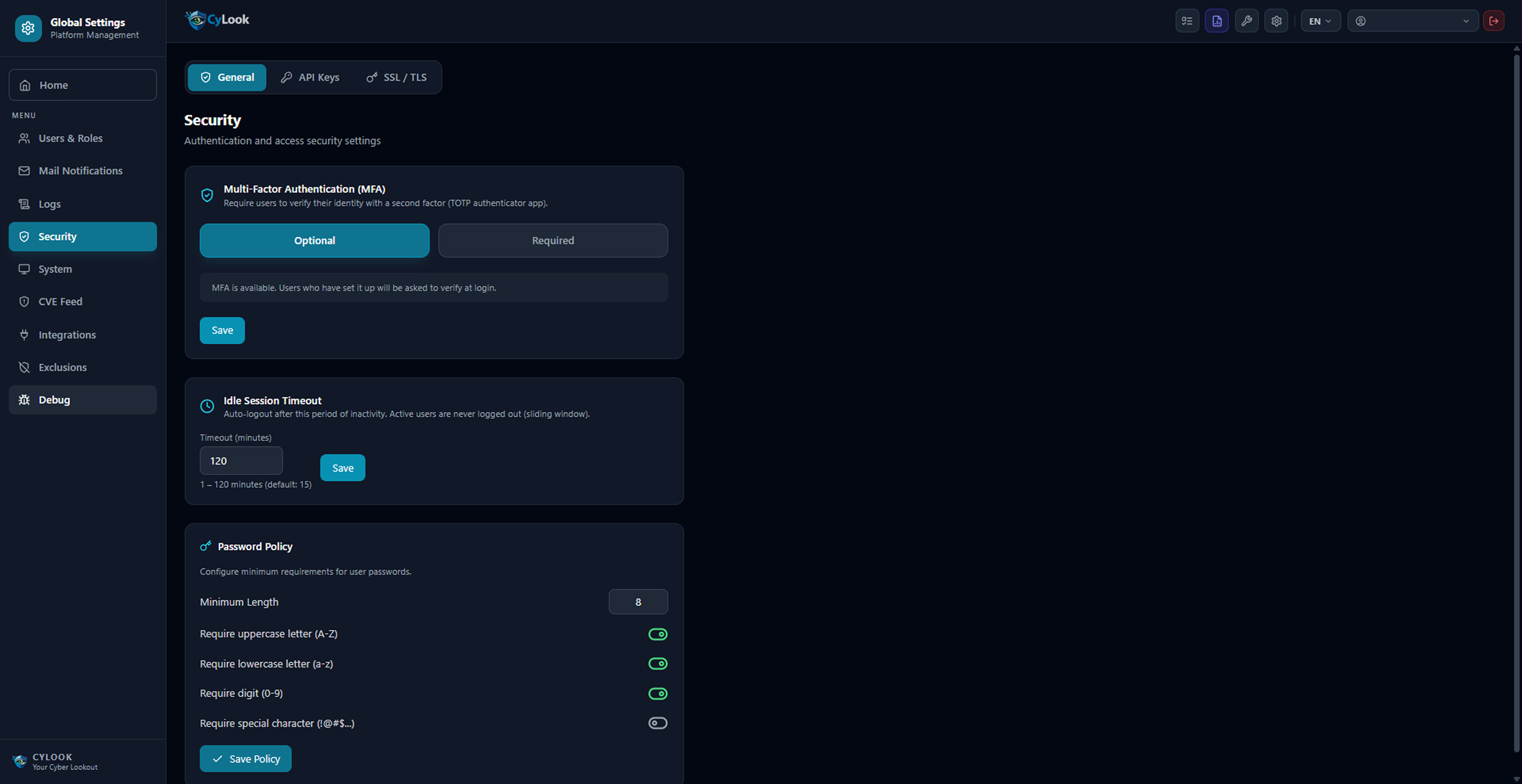
Platform Management — Global Settings

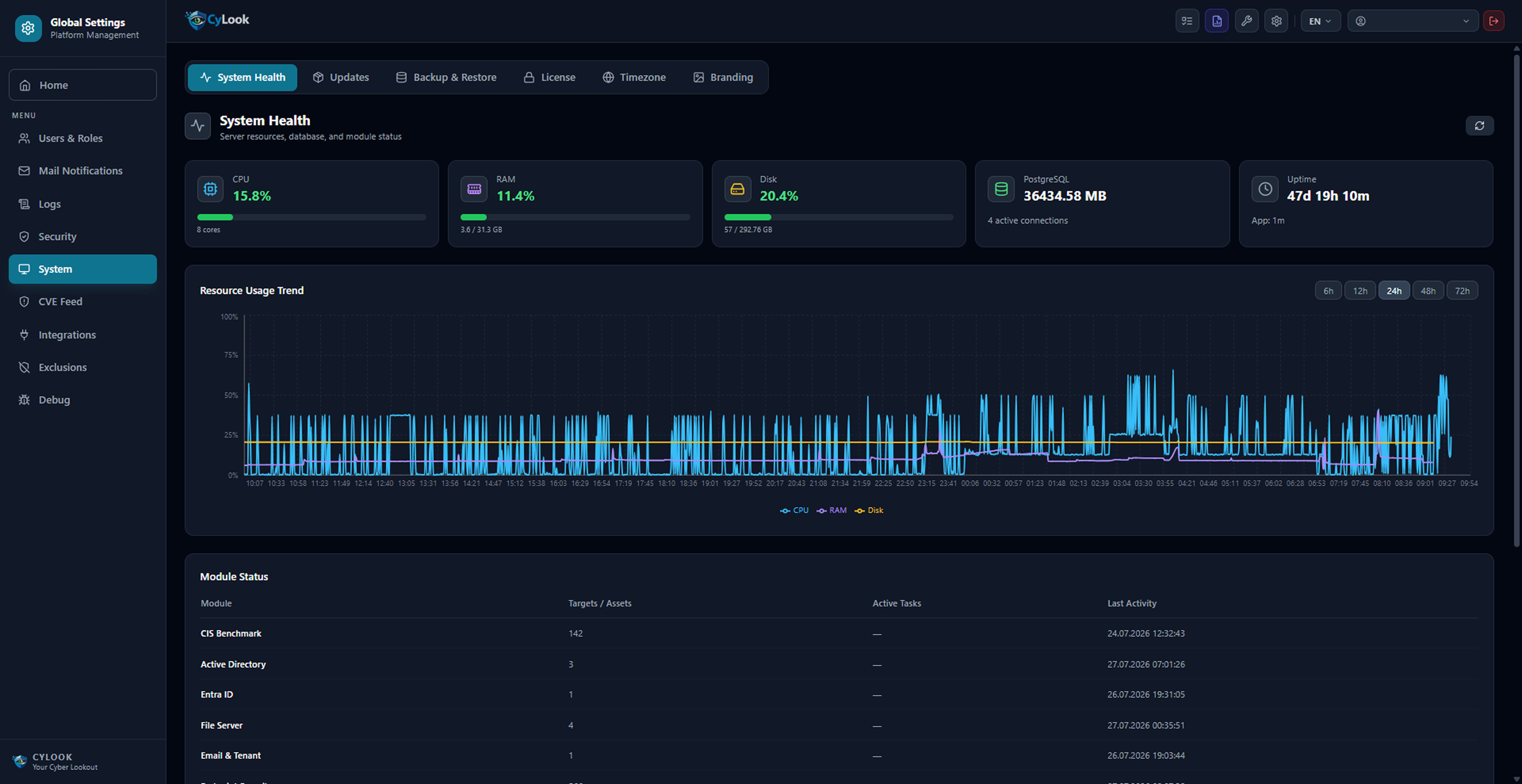
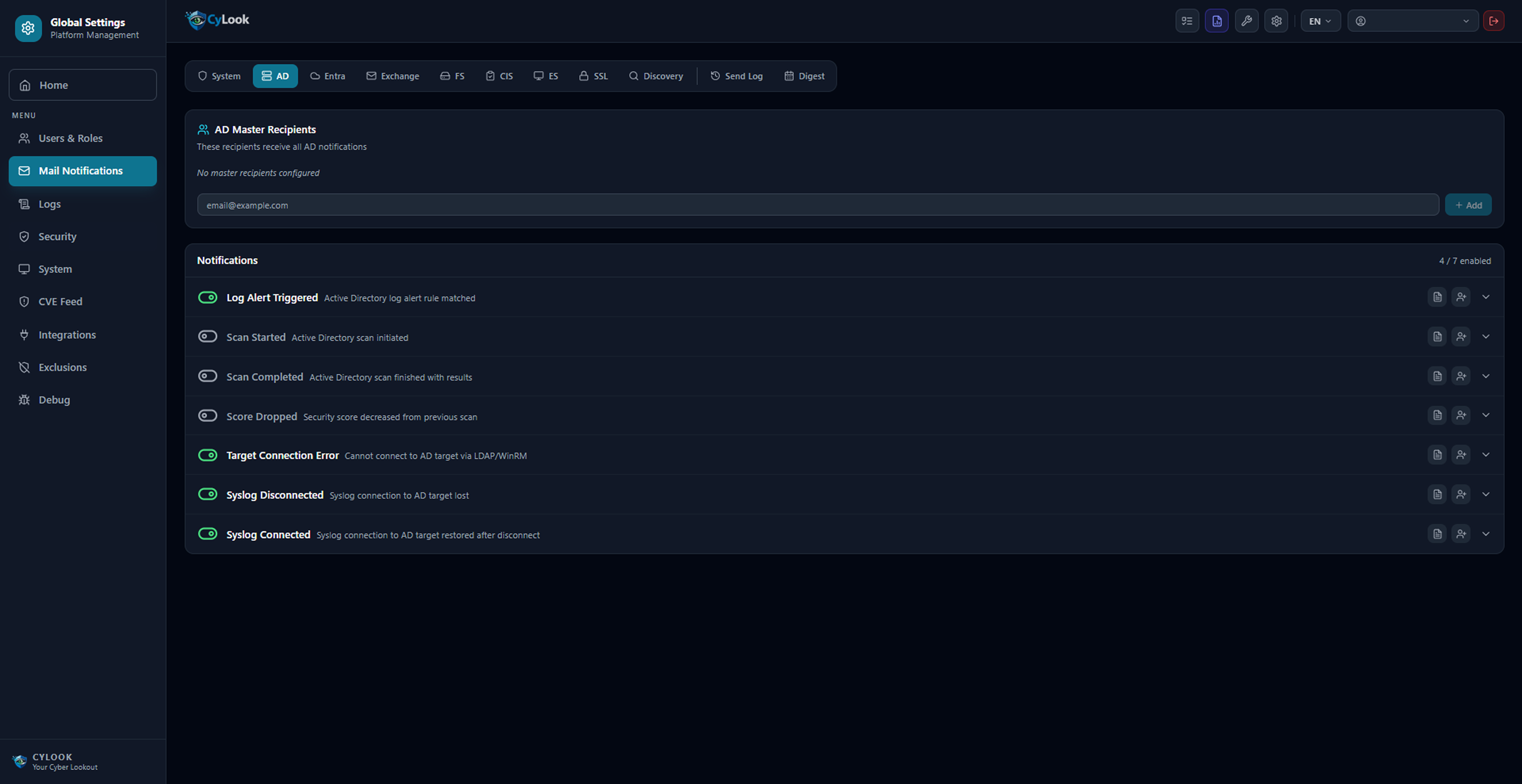
Notifications, security, system health and CVE feed management from a single center.
60+ Notification Types (Module-Based) Global Master Recipients TOTP MFA Support Session Timeout Password Policy 209K+ CVE Database (NVD) Daily Automatic CVE Update System Health Monitoring

What Does It Monitor & Detect?

Summary of each module's core detection capabilities

ModuleMonitored EnvironmentCritical Detections
Active DirectoryOn-premises AD / Domain ControllerKerberoastable account, empty password, domain admin excess, GPO vulnerability, credential exposure
Entra IDMicrosoft 365 / Azure ADPost-breach MFA change, script/automation login, conditional access gap, permanent privileged role
Exchange OnlineMicrosoft 365 / Exchange OnlineMailbox Audit gap, Anti-Phishing/Anti-Spam policy vulnerabilities, Defender for Office 365, Transport Rules security configuration
Tenant ManagementMicrosoft 365 TenantUser, mailbox and group inventory; domain expiry, SPF/DMARC/DKIM/MX record status, mail activity summary
File ServerNTFS & Share PermissionsOrphan SID, Full Control privileged accounts, stale folders, permission changes
CIS BenchmarkWindows, SQL, Linux, MySQL, ApacheCIS non-compliance, firewall gap, audit policy error, weak password policy
Endpoint SecurityClient & Server ComputersCVE vulnerabilities, missing mandatory software, active local admin session, non-compliant system
SSL MonitorCertificates (Web, Internal Network)Expired certificate, approaching expiry, weak TLS configuration
Network DiscoveryNetwork infrastructureUnmanaged device, open risky port (RDP, Telnet, SMB, FTP, MySQL, MSSQL)
Remote ToolsAll managed targetsBulk command execution, real-time system query, job history

Frequently Asked Questions

Common questions about CyLook Enterprise.

What is CyLook Enterprise?

CyLook Enterprise is a Security Visibility & Risk Intelligence platform that analyzes data from Active Directory, Entra ID, Exchange Online, Microsoft 365, file servers, endpoints and network infrastructure to make cybersecurity risks visible and prioritized in a single cockpit.
Is CyLook a SIEM?

No. CyLook is not a SIEM alternative — it is a visibility and risk-analysis layer that works on top of your existing security infrastructure, including your SIEM if you have one. It works equally well with or without a SIEM in place.

What systems does CyLook support?

Active Directory, Microsoft Entra ID (Azure AD), Exchange Online, Microsoft 365 Tenant, file servers (NTFS/share permissions), endpoint systems, network devices and SSL certificates are the core data sources CyLook supports.

How does CyLook help with CIS Benchmark compliance?

CyLook automatically audits Windows, SQL, Linux, MySQL and Apache systems against CIS Benchmark standards, detecting non-compliant configurations, missing firewall settings and weak password policies, and delivers a prioritized compliance report.
Which companies is CyLook best suited for?

CyLook is designed for mid-size and large organizations — typically 250+ employees, operating across multiple locations, running Active Directory/Entra ID, Microsoft 365, Firewall and EDR infrastructure.
How do I get started with CyLook?

Without touching your existing infrastructure, a Cyber Security Visibility assessment can be run against a limited period of your data. Request a demo to learn how the process works.

Ready to Enhance Your Organization's Security Visibility?

Request a demo for CyLook Enterprise or evaluate your needs with our technical team.

Request a Demo